










I Put an AI Inside a USB Drive… and It’s Insane 🤯

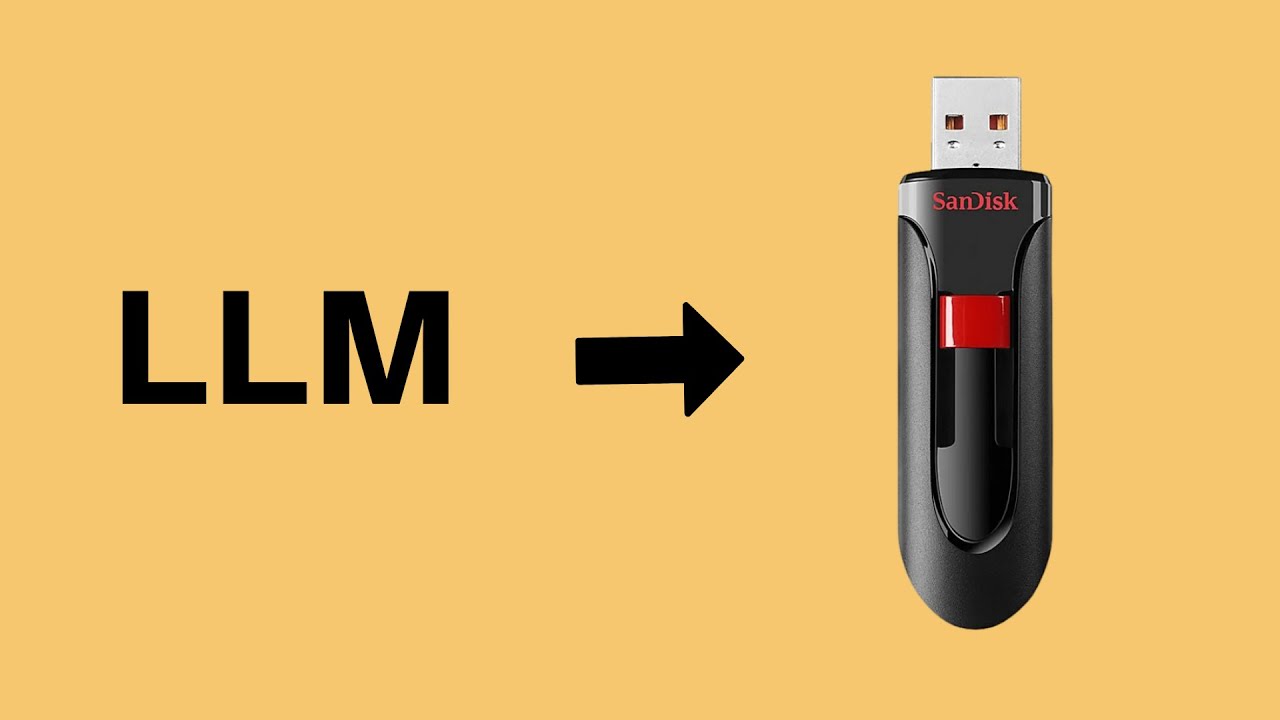
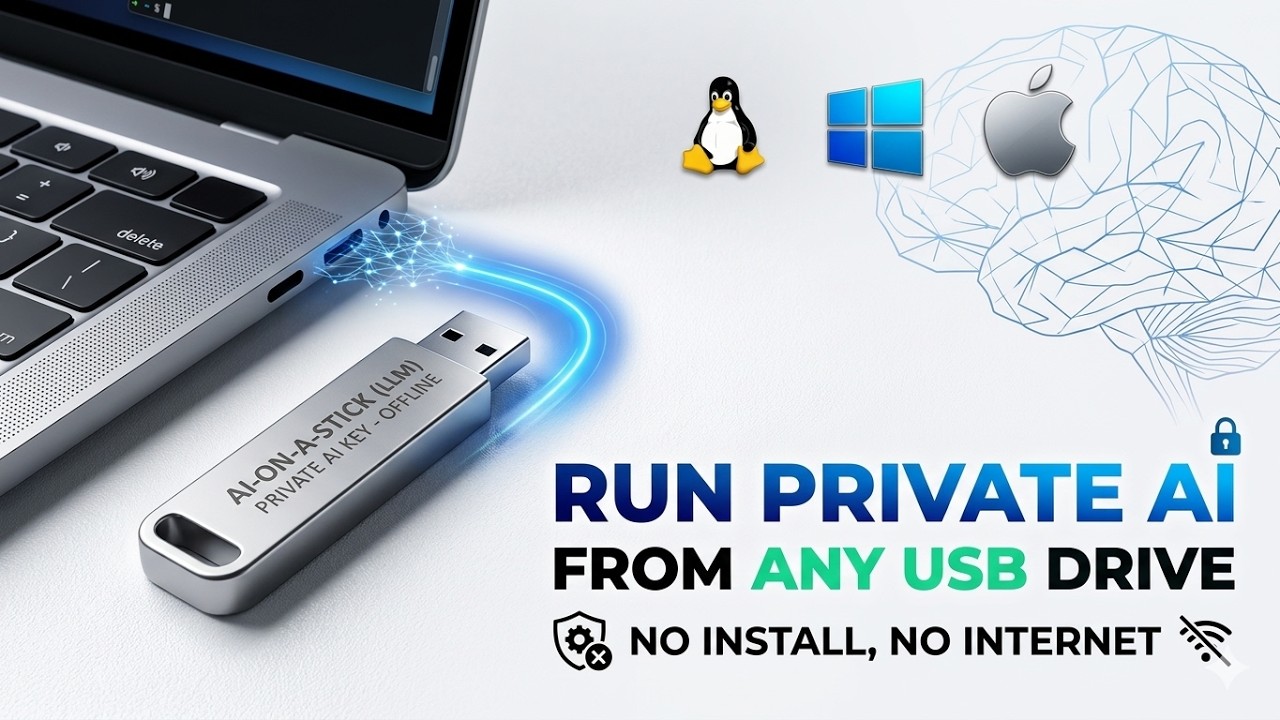
Turn your USB drive into a fully portable AI setup 🤯
In this video, I’ll show you how to run Local AI Models directly from a USB Drive on Windows, Mac, and Linux using USB-Uncensored-LLM.
This setup allows you to:
✅ Run AI completely offline
✅ Carry your AI setup anywhere
✅ Use Local LLMs with Ollama
✅ Store chats, models, and configs on USB
✅ Run AI on Windows, Mac & Linux
✅ Use a full web-based AI dashboard
We’ll also test:
* Offline AI functionality
* Local AI model setup
* Portable AI chat interface
* Cross-platform AI support
* Phi-3.5 and Gemma models
🔗 GitHub Repo:
https://github.com/techjarves/USB-Uncensored-LLM
⏱️ Timestamps
00:00 Intro
00:12 Offline AI Demo
00:34 USB-Uncensored-LLM Overview
01:06 USB Setup
01:29 MAC Setup & Test
03:44 Windows Setup & Test
05:24 Final Thoughts
If you found this useful, subscribe for more AI setup tutorials, local AI guides, and practical developer tools 🔥
⚠️ Note: Use AI tools responsibly and review permissions before giving access to your system.
#LocalAI #OfflineAI #PortableAI #Ollama #USBDrive #OpenSourceAI #LLM #AItools #DeveloperTools #aisetup
Video assets by Vecteezy
https://www.vecteezy.com

SORT BY-
Top Reacties
-
Laatste Reacties