









Run Private AI from Any USB Drive – No Install, No Internet

|
💾 Run Private AI from Any USB Drive – No Install, No Internet
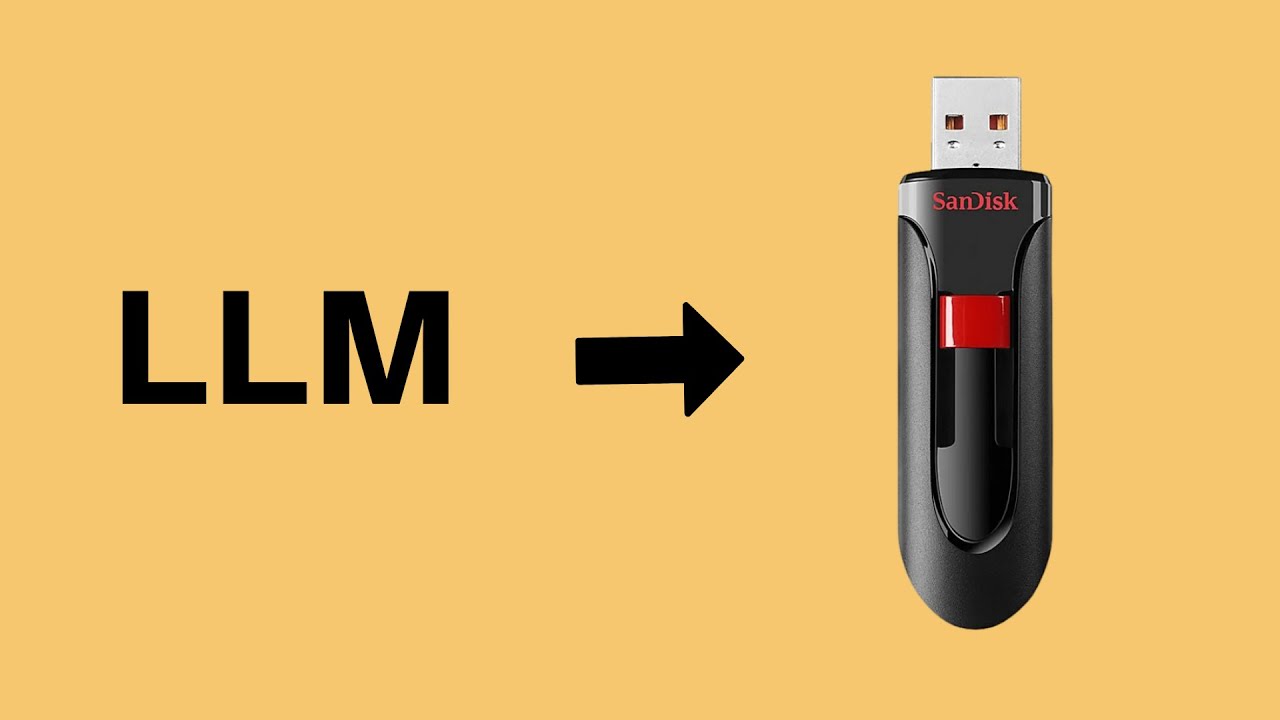
Take your own AI assistant anywhere! In this tutorial, I'll show you how to put a fully functional, completely offline AI on a USB stick. Plug it into any Windows, Mac, or Linux PC, double-click to launch, and start chatting – nothing to install, no internet needed, no data left behind .
USB Size Recommendations:
16GB: 1 lightweight model (Phi-3, Gemma 2B)
32GB: Multi-model (NemoMix 12B + smaller models)
64GB: All 6 presets + custom models
Requirements:
USB 3.0 drive (faster speed better)
8GB RAM minimum for 12B models
CPU only – no GPU needed
Tags
portable ai, ai on usb, offline ai, private ai, usb ai assistant, run ai from usb, no internet ai, local llm, ai without installation, portable llm, pocketllm, portable ai usb, offline chatgpt alternative, ai on flash drive, zero footprint ai, run ai any computer, local ai server, ai privacy tools, uncensored ai portable, ai coding agent usb
More Search Queries
"how to run ai from usb drive"
"portable ai assistant offline"
"ai on a stick usb tutorial"
"run llama locally from usb"
"offline ai no install needed"
"portable llm for windows usb"
"ai chatbot from flash drive"
"zero trace ai portable"
"local ai server on usb"
"run ollama from usb drive"
"best portable ai tools 2026"
"ai on usb for any pc"
"private ai offline usb guide"
"run gemma from usb drive"
"uncensored ai on usb drive"
Disclaimer: This tutorial is for educational purposes only. I am not responsible for any damage to your hardware, software, or data. Please be careful, back up your important files before making any changes to your system, and understand the commands you are running

SORT BY-
أعلى تعليقات
-
أحدث تعليقات