






![Fully AI-Generated WordPress Website – A New Era of Web Design [Step by Step Guide]](https://i.ytimg.com/vi/tK0cGnawsP4/maxresdefault.jpg)


Copy Your Lovable Website To WordPress And Elementor

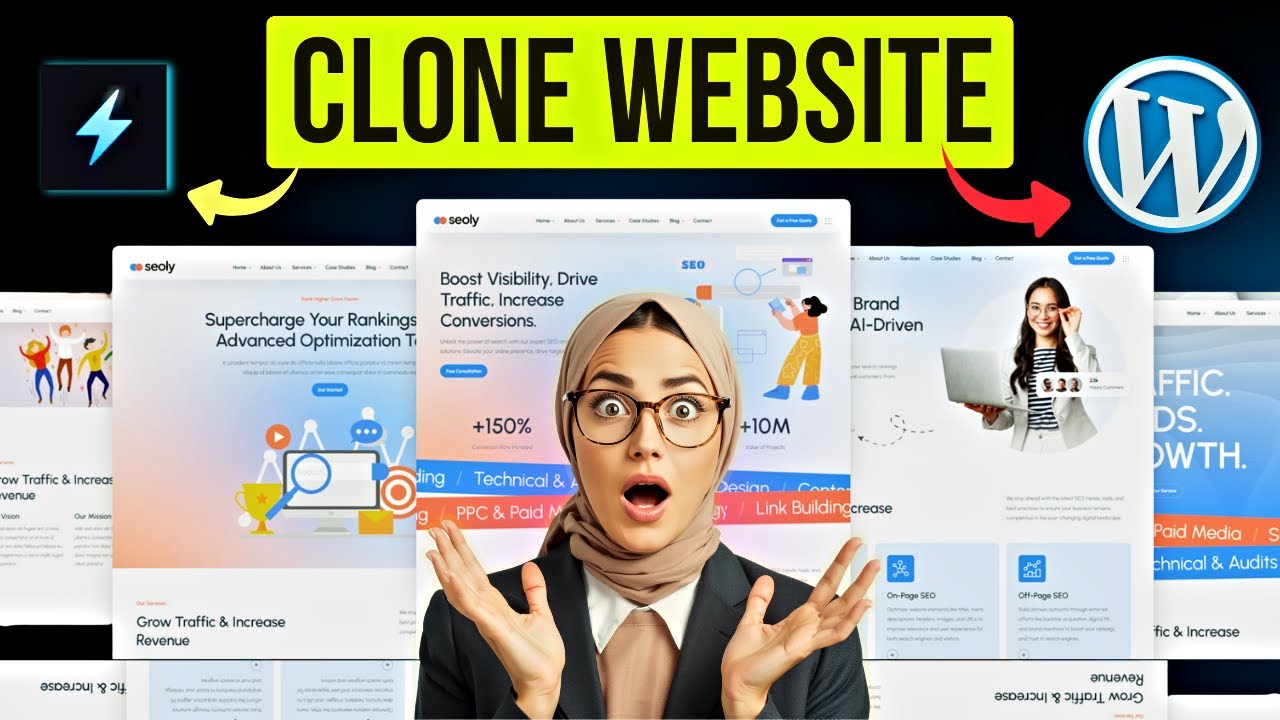
Want to export your Lovable website to WordPress and edit it freely with Elementor? In this tutorial, I’ll show you step-by-step how to turn your Lovable project into a fully editable WordPress website using the free version of Elementor.
We’ll go from exporting your design using CloneWebX, importing it into WordPress, and fine-tuning every detail — colors, structure, header, and footer — so your site looks amazing and functions perfectly.
👉 Create a website with Lovable: https://ferdy.com/lovable
👉 Get web hosting + free domain: https://webhosting76.com
👉 Get Elementor (free): https://ferdy.com/elementor
Learn how to:
✅ Export Lovable websites to WordPress
✅ Use Elementor Free to edit your pages
✅ Set up your menu, header & footer
✅ Adjust colors, sections, and images
✅ Combine AI web design with WordPress flexibility
⏱️ Timestamps in description
00:00 Intro
01:20 Export Your Lovable Website
05:56 Import The Lovable Website On Your WordPress Website
09:12 Configure The Website
13:34 Configure The Header
17:23 Make The Header Sticky
19:45 Create The Footer
🎬 Watch now and build your website faster than ever!
#lovable #wordpress #elementor

SORT BY-
Nhận xét hàng đầu
-
Bình luận mới nhất