
- Film & Animation
- Music
- Pets & Animals
- Sports
- Travel & Events
- Gaming
- People & Blogs
- Comedy
- Entertainment
- News & Politics
- How-to & Style
- Non-profits & Activism
- Religion & Spiritual
- Health Natural Remedies
- Gardening +
- Arts & Crafts
- Action
- Hair & Beauty
- Hunting & Survival
- Shopping & Reviews
- Motivational & Self Help
- Jesus
- Marriage
- Live TV
- Programing & Coding
- Latest & Gadgets
- Make You Own
- Unexplained & Stange
- Jesus Christ
- Food & More
- Other
Latest videos

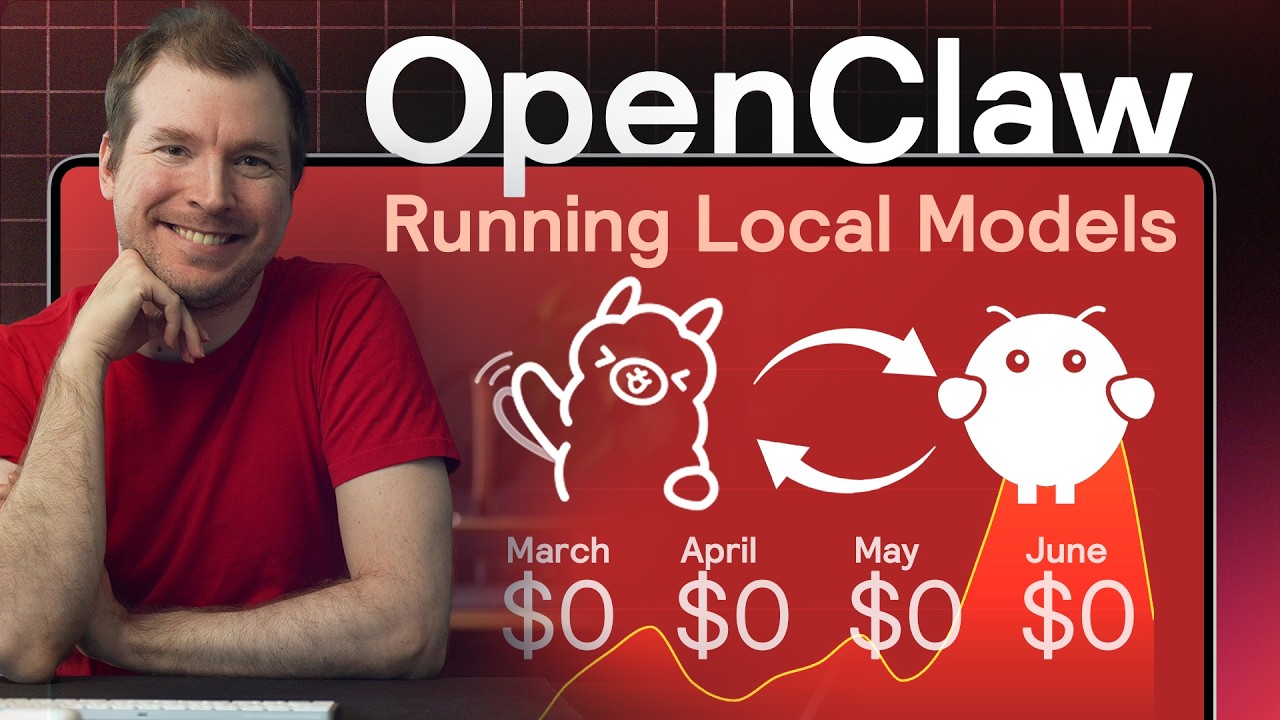

OpenClaw can be run for free forever using local ai models through Ollama. Models like qwen 3.5 can be setup to connect directly to Open Claw, so you won't be charged per token use like with Clade or ChatGPT.
In this video I'll show you how to setup Local Models, how to connect them to OpenClaw, and how to setup things like MCP to reduce the cost of doing large context queries or API calls.
🔶 Install MCP Tools via Zapier:
https://bit.ly/4ccnm0G
🦙 Install Ollama Setup
https://ollama.com/
The model I used for openclaw here was Qwen 3.5 however there are many other models you can use from Google, Meta, etc.
#openclaw #ollama #ai
Want to learn web design? ⭐ Check out my course! ⭐
📘 Teach Me Design - Course: https://www.enhanceui.com/
To run openclaw local models, you need to install openclaw local llm setup. This lets openclaw llm charge you only what electricity you use for your mahcine!

Llama.cpp Web UI + GGUF Setup Walkthrough and Ollama comparisons.
Check out ChatLLM: https://chatllm.abacus.ai/ltf
My USB-C portable hub: https://amzn.to/4kw0hrf
👀 My favorite external drive (dependable): https://amzn.to/3Os9Wi3
👀 Thunderbolt 4 dock: https://amzn.to/3yVRicC
⚡ *Other gear I use:* https://www.amazon.com/shop/alexziskind
▶️ M2 MacBook Air | INSTANTLY connect 4K monitors - https://youtu.be/KLI65HnvNMg
▶️ Unity on Steroids M3 Max and RTX 4090m - https://youtu.be/COpEtHzdPG0
▶️ INSANE Machine Learning on Neural Engine - https://youtu.be/Y2FOUg_jo7k
▶️ Ultimate Web Developer MacBook - https://youtu.be/72fneIUHXyY
▶️ This is what spending more on a MacBook Pro gets you - https://youtu.be/iLHrYuQjKPU
▶️ Apple Silicon and Developers Playlist - https://youtube.com/playlist?l....ist=PLPwbI_iIX3aR88m
Developer productivity Playlist - https://www.youtube.com/playli....st?list=PLPwbI_iIX3a
— — — — — — — — —
❤️ SUBSCRIBE TO MY YOUTUBE CHANNEL 📺
Click here to subscribe: https://www.youtube.com/@AZisk?sub_confirmation=1
— — — — — — — — —
📱LET'S CONNECT ON SOCIAL MEDIA
ALEX ON TWITTER: https://twitter.com/digitalix
— — — — — — — — —
Join this channel to get access to perks:
https://www.youtube.com/channe....l/UCajiMK_CY9icRhLep
⏱️ Chapters
00:00 – Local LLMs, many stacks
01:05 – Building from source
04:15 – Picking a GGUF model
07:56 – New Llama.cpp Web UI
09:06 – Ollama UI & speed check
10:44 – Ollama’s concurrency limit
11:48 – Llama.cpp parallel chats
#llm #llamacpp #macbook

CLI tools and MCP servers are different avenues in which agents can interact with external tools. See what option works best for your projects!
Subscribe to Google for Developers → https://goo.gle/developers
Speaker: Jasmyne Roberts

Want to make money and save time with AI? Join here: https://www.skool.com/ai-profit-lab-7462/about
Video notes + links to the tools 👉 https://www.skool.com/ai-profit-lab-7462/about
Get a FREE AI Course + Community + 1,000 AI Agents 👉 https://www.skool.com/ai-seo-w....ith-julian-goldie-15
Get a FREE AI SEO Strategy Session → https://go.juliangoldie.com/st....rategy-session?utm=j
Get 200+ Free AI SEO Prompts → https://go.juliangoldie.com/chat-gpt-prompts
Run Claude Code completely offline with Ollama — no usage limits, no data leaving your machine. Full setup walkthrough plus the local models that actually work.
00:00 Intro
00:39 What Claude Code Does
01:28 Why Pair It With Ollama
02:09 Install & Connect (Step-by-Step)
03:25 Critical Context Window Tip
04:14 Best Local & Cloud Models
04:58 Real Use Cases
05:38 Hidden /loop Automation Feature
06:04 Setup Tips to Avoid Frustration
06:50 Final Thoughts
Ready to become a certified watsonx AI Assistant Engineer? Register now and use code IBMTechYT20 for 20% off of your exam → https://ibm.biz/Bdpsiy
Learn more about Large Language Models (LLMs) here → https://ibm.biz/BdpsiS
Your laptop, your AI. 💻 Cedric Clyburn explains what Llama.cpp is and how this powerful inference engine enables local LLMs with full data privacy. Discover model quantization, RAG, and how to optimize AI for small devices.
AI news moves fast. Sign up for a monthly newsletter for AI updates from IBM → https://ibm.biz/Bdpsim
#llm #llama #inference #localai
Check out Brilliant Here: https://brilliant.org/AILABS/
Community with All Resources 📦: http://ailabspro.io/
Video code: V43
Browser agents are broken. Not because the models are bad, but because the entire internet was built for human eyes, not machines. WebMCP changes the approach entirely: instead of making agents better at reading websites, it makes websites better at talking to agents.
We tested it with Claude Code, built both the declarative and imperative implementations, and ran into real limitations along the way.
Here's what actually works, what doesn't, and what Google is quietly setting up with this "open standard."

Build meeting bots and desktop recording apps in hours - https://www.recall.ai/fireship gets you $100 in free credits
In today's we'll look at 7 open source AI projects you've never heard of that will help you whip your agents into shape and build highly effective slop pipelines.
#coding #programming #ai
🔖 Topics Covered
- Agency Agents
- PropmtFoo
- MicroFish
- NanoChat
- Impeccable
- Heretic
- OpenViking
Want more Fireship?
🗞️ Newsletter: https://bytes.dev
🧠 Courses: https://fireship.dev

In this video, we break down the key differences between Large Language Models (LLMs) and AI Agents.
Large Language Models like ChatGPT generate text-based responses based on training data. AI agents, on the other hand, use Large Language Models along with additional tools and capabilities to take autonomous actions - making them more versatile for achieving specific objectives.
#LLMs #AIAgents #AI #MachineLearning #AI #ArtificialIntelligence #ChatGPT #KaneAI #Claude #LamaAI#GitHubCopilot
𝐊𝐧𝐨𝐰 𝐦𝐨𝐫𝐞:
https://accounts.testmuai.com/register?utm_source=YouTube&utm_medium=Organic&utm_campaign=July11&utm_term=68FJbCYIRrg&utm_content=LT_Sign_Up
𝐄𝐱𝐩𝐥𝐨𝐫𝐞:
HOME: https://bit.ly/4uOCPKK
BLOG: https://bit.ly/4nlq87I
LINKEDIN: https://bit.ly/438HIm2
TWITTER: https://bit.ly/4eOI74s
GITHUB: https://bit.ly/4ucseJI
NEWSLETTER: https://bit.ly/4dI8Y0S
CERTIFICATIONS: https://bit.ly/4tVdw9j

Ready to become a certified watsonx Generative AI Engineer? Register now and use code IBMTechYT20 for 20% off of your exam → https://ibm.biz/Bdexee
Learn more about AI Agent Use Cases here → https://ibm.biz/Bdexeb
AI agents can reason, plan, and act autonomously to achieve complex goals. 🤖 Martin Keen highlights 10 use cases, including IoT in agriculture, RAG for content creation, and multi-agent disaster response. Explore how AI agents are transforming industries and solving real-world problems. 🚀
AI news moves fast. Sign up for a monthly newsletter for AI updates from IBM → https://ibm.biz/Bdexep
#aiagents #iot #aiusecases #multiagentsystems

Setting up a local AI model can be intimidating, which is why I created this video. In this video I will show you everything you need to know about setting up local AI models from the basics of how local AI models work, to how to optimize local AI models for your hardware, and even how to use these local AI models in real world agentic environments.
📚 Materials/References:
LM Studio: https://lmstudio.ai/
Hugging Face: https://huggingface.co/
Pi Coding Agent: https://pi.dev/
🌎 Find Me Here:
My Blog: https://blog.webdevsimplified.com/
My Courses: https://courses.webdevsimplified.com/
Patreon: https://www.patreon.com/WebDevSimplified
Twitter: https://twitter.com/DevSimplified
Discord: https://discord.gg/7StTjnR
GitHub: https://github.com/WebDevSimplified
CodePen: https://codepen.io/WebDevSimplified
⏱️ Timestamps:
00:00 - Introduction
01:08 - How Local AI Works
05:33 - Picking Models
11:46 - Configuring Your Model
21:57 - Using Local Models In Your IDE
34:17 - Using Local Models With Copilot
38:17 - Using Local Models With Pi
40:55 - Comparing Local Models to Anthropic Models
#LocalAI #WDS #AgenticCoding
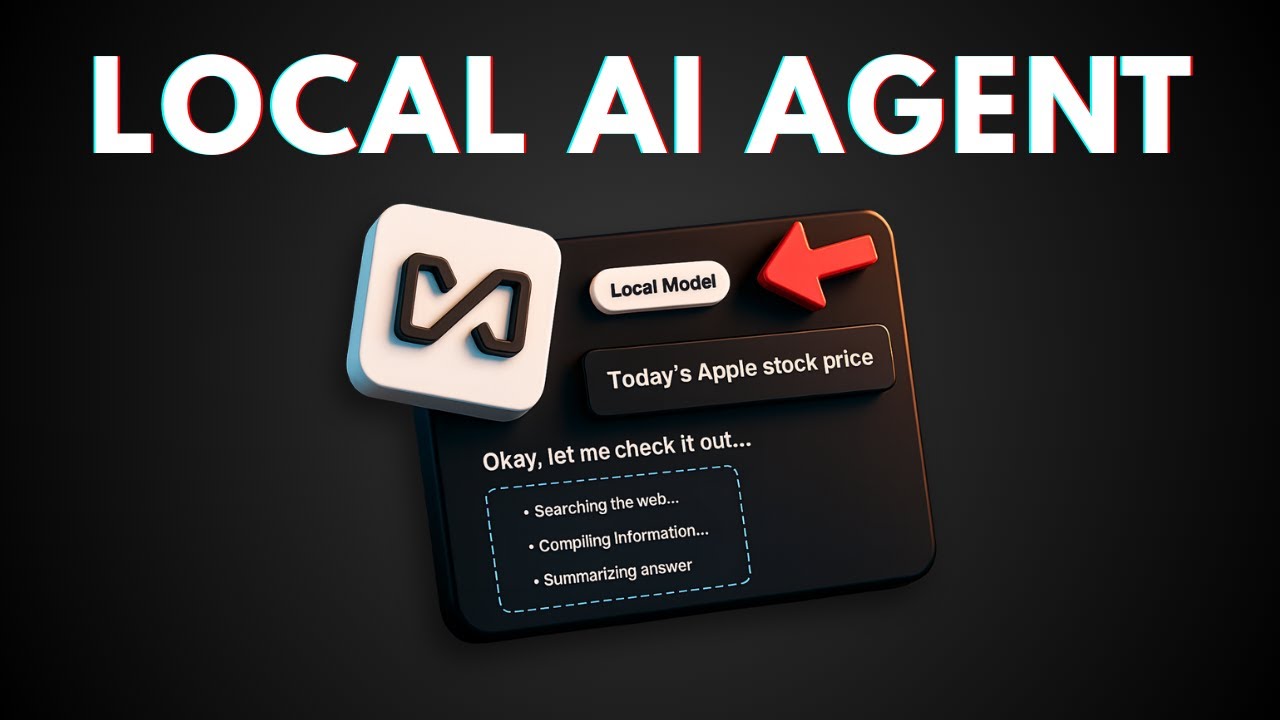
👉 In this video, I will show you how to set up and use AnythingLLM on your Android phone to run a fully local AI agent that works offline without any cloud dependency. This powerful mobile app brings the complete AnythingLLM experience to your pocket with on-device small language models, web scraping tools, document processing, and cross-app integrations like calendar and email management.
💬 $15 Wispr Flow AI Credit: https://wisprflow.ai/r/JOHN220
🔍 $10 Discount Perplexity: https://perplexity.ai/pro?referral_code=VA2J7SUD
🎁 200 Recraft AI Credit: https://www.recraft.ai/invite/F4F9qQGFxM
🔊 ElevenLabs TTS https://try.elevenlabs.io/1xnn0lhp3htg
👨💻 500 Windsurf AI Credit: https://windsurf.com/refer?ref....erral_code=664caa22f
🎙 Microphone: https://amzn.to/4jDkUC2
🦾 Boom arm: https://amzn.to/40MzgHx
💻 Web hosting: https://asapguide.com/hosting
❤️ Subscribe: https://www.youtube.com/@asapg....uide?sub_confirmatio
🧠 AI Tools I Used: https://asapguide.com/ai-tools/

I built a fully functional, talking BMO from Adventure Time using a Raspberry Pi 5 and local AI models.
In this video, I break down the hardware I used, designing and assembling a 3D printed enclosure, and using Ollama to build a battery-powered, local, voice activated AI agent.
0:00 Intro
2:25 Hardware breakdown
4:10 Creating the enclosure
7:15 Software deep-dive
15:49 Assembling BMO
18:55 Full AI Agent demo
21:54 Closing thoughts
🔧 Hardware:
- Raspberry Pi 5 (16GB)
- Raspberry Pi Camera Module v2
- Pimoroni NVMe Base Duo
- Geekworm X1203 5V UPS shield
- Freenove 5 Inch Touchscreen Monitor
- Adafruit Feather 32u4 Basic Proto
- Mini USB Microphone
- Mini External USB 2.0 Speaker
- 6mm momentary switches x 7
- 5x2mm round magnets x 16
- 3.7V lithium ion battery
🔧 The Tech Stack:
- LLM & VLM (Brain): Gemma 3 + Moondream 2 (via Ollama)
- STT (Ears): Open Wake Word + Whisper
- TTS (Voice): Piper TTS
🔧 STL & PCB files: https://www.printables.com/mod....el/1582055-bmo-from-
🔧 GitHub repository: https://github.com/brenpoly/be-more-agent
🛡️ A Note on Safety (Please Read):
I have done my best to ensure this code is safe and clean. However, you should never blindly trust public code. As much as you may like this project, I'm still a stranger from the internet with one viral video 😅. Stay curious, but stay safe!
🔒 Good Security Practice:
- Always scan files before running them.
- Read through the Python scripts (.py files) to understand what they are doing before you execute them.
- If you are new to this, ask a friend (or an AI!) to help you review the code first.


🎁 Get my FREE local AI projects: https://zenvanriel.com/open-source
⚡ Master AI and become a high-paid AI Engineer: https://aiengineer.community/join
Video references:
- LM Studio: https://lmstudio.ai/
- Continue (VS Code Extension): https://docs.continue.dev/
- Kilo Code: https://kilocode.ai/
- Claude Code Router: https://github.com/musistudio/claude-code-router
- Demo Auction Repository: https://github.com/AI-Engineer....-Skool/ai-coding-auc
The future of AI coding is local - no cloud dependencies, no API costs, and full control over your development environment.
Most engineers are completely dependent on cloud APIs, but 2026 is the year where running your own AI coding agents becomes essential.
The problem? Most local AI tutorials show toy examples that collapse with real codebases.
This masterclass shows you how to build a local AI coding setup that actually works for production projects.
What You'll Learn:
- Why VRAM is your usual bottleneck and how to calculate what models you can run
- The context window limitation that breaks 90% of local AI coding attempts
- How to select models that balance parameters, speed, and memory constraints
- Real performance testing: 20B vs 32B parameter models with actual repositories (not todo apps)
- Setting up LM Studio, Continue, Kilo Code, and even Claude Code with local models
- Advanced optimizations (Flash Attention, KCache quantization) to maximize your context window
- Why Mac devices with unified memory might be your best budget option
Timestamps:
0:00 Why local AI coding is your advantage
1:12 AI GPU explanation (VRAM & Speed)
2:46 Selecting models in LM Studio
6:30 Loading in open source GPT model
11:15 Generating Python code locally
16:07 Loading a bigger 32B model
19:33 Comparing 32B with 20B
21:30 Exposing LLM API to Continue
22:58 Installing Kilo Code
25:04 Solving Context Window Limits
27:59 Checking AI Agent edit
29:28 Using local models with Claude Code Router
32:48 Running Claude Code Router
35:11 When to combine Local & Cloud AI
Why did I create this video?
Most local AI coding tutorials are dangerously optimistic - they show tiny demo apps and claim "look how fast it is!"
But the moment you work with a real codebase, everything breaks. Context windows overflow, GPUs choke on memory, and token generation crawls to a halt
This video shows real AI Coding use cases and how to set it all up.
Connect with me:
https://www.linkedin.com/in/zen-van-riel
https://www.skool.com/ai-engineer
Sponsorships & Business Inquiries: business@aiengineer.community


Hey everyone,
Recently in AnythingLLM Desktop, we merged in AI Agents. AI Agents are basically LLMs that do something instead of just replying. We support both tool-call-enabled models like OpenAI but have even now have a no-code way to bring AI agents to every open-source LLMs like with Ollama or LMStudio.
Now, with no code required, you can take any LLM and get automatic web scraping, web-browsing, chart generation, RAG memory, and summarization all autonomously and running locally.
If the future of AI is agents, AnythingLLM is where it is going to happen!.
Download AnythingLLM: https://useanything.com/download
Star on Github: https://github.com/Mintplex-Labs/anything-llm
Chapters:
0:00 Introduction to adding agents to Ollama
0:45 What is Ollama?
1:08 What is LLM Quantization?
1:28 What is an AI Agent?
2:54 How to pick the right LLM on Ollama
5:11 Pulling Ollama models and running the server
5:45 Downloading AnythingLLM Desktop
6:17 AnythingLLM - Initial setup
7:21 Sending our first chat - no RAG
8:22 Uploading a document privately
8:43 Sending a chat again but with RAG
9:10 How to add agent capabilities to Ollama
10:45 Add live web-searching to Ollama LLMs (Free)
11:41 Using agents in AnythingLLM demonstration
13:24 Agent document summarization and long-term memory
14:35 Why you should use AnythingLLM x Ollama
15:00 Star on Github, please!
15:06 Thank you

🛠️ Build your own AI Hub!! Run OpenWebUI on your own VPS with Hostinger (code networkchuck10): https://hostinger.com/networkchuckvps
AI is getting expensive…but it doesn’t have to be. I found a way to access all the major AI models– ChatGPT, Claude, Gemini, even Grok – without paying for multiple expensive subscriptions. Not only do I get unlimited access to the newest models, but I can also share it with my entire team, my wife, my kids– all while keeping full control over what they can access. Better security, more privacy, and a ton of features… this might be the best way to use AI.
RESOURCES:
🔧 Self-host OpenWebUI (On-Prem Installation Guide): https://youtu.be/JJ_0-pAOIEk
🌐 Turn OpenWebUI into a website (Domain + SSL Setup): https://youtu.be/BdH_yR_J3FQ
TIMESTAMPS:
0:00 - Intro
1:11 - The Plan (What is OpenWebUI?)
2:20 - The Cloud Option
5:02 - Install OpenWebUI
6:18 - Connecting ChatGPT API
9:06 - How Much Does This Cost?
13:06 - Using LiteLLM to do MORE
🔥🔥Join the NetworkChuck Academy!: https://ntck.co/NCAcademy
**Sponsored by Hostinger
SUPPORT NETWORKCHUCK
---------------------------------------------------
➡️NetworkChuck membership: https://ntck.co/Premium
☕☕ COFFEE and MERCH: https://ntck.co/coffee
Check out my new channel: https://ntck.co/ncclips
🆘🆘NEED HELP?? Join the Discord Server: https://discord.gg/networkchuck
STUDY WITH ME on Twitch: https://bit.ly/nc_twitch
READY TO LEARN??
---------------------------------------------------
-Learn Python: https://bit.ly/3rzZjzz
-Get your CCNA: https://bit.ly/nc-ccna
FOLLOW ME EVERYWHERE
---------------------------------------------------
Instagram: https://www.instagram.com/networkchuck/
Twitter: https://twitter.com/networkchuck
Facebook: https://www.facebook.com/NetworkChuck/
Join the Discord server: http://bit.ly/nc-discord
AFFILIATES & REFERRALS
---------------------------------------------------
(GEAR I USE...STUFF I RECOMMEND)
My network gear: https://geni.us/L6wyIUj
Amazon Affiliate Store: https://www.amazon.com/shop/networkchuck
Buy a Raspberry Pi: https://geni.us/aBeqAL
Do you want to know how I draw on the screen?? Go to https://ntck.co/EpicPen and use code NetworkChuck to get 20% off!!
fast and reliable unifi in the cloud: https://hostifi.com/?via=chuck
How to use AI without paying for subscriptions
Best AI alternatives to ChatGPT
Self-hosted AI tools you can use today
Stop paying for AI—here’s a better way
How to access all AI models for free
OpenWebUI tutorial: Run all AI models in one place
The best way to host AI yourself
How to set up OpenWebUI for AI access
Free ChatGPT alternative: Run AI yourself
Self-host AI and take control of your data
AI is too expensive—here’s how to fix that
How to use ChatGPT, Claude, and Gemini for free
The best self-hosted AI dashboard
How to host your own AI assistant
Secure and private AI hosting with OpenWebUI
#AI #OpenWebUI #SelfHostedAI

#NVIDIAPartner Learn how NVIDIA GeForce RTX PCs are powering AI: https://nvda.ws/3ZiqosD
AI Agents and locally run LLMs are revolutionizing workflows, offering unmatched privacy, speed, and cost efficiency. In this video, we explore how tools like AnythingLLM and NVIDIA GeForce RTX GPUs enable individuals to harness the next evolution of AI right on their personal machines. @NVIDIADeveloper @TimCarambat #AIonRTX
Business Inquiries:
contact@kgunderman.com
Timestamps:
----------------------------------------------------------------------------
Intro: (0:00)
Why People Are Running AI Locally: (0:50)
Why You Need a Good GPU To Run AI and AI Agents Locally: (1:31)
What are AI Agents?: (2:57)
How To Run AI Agents Locally: (4:13)
AI Agent Tutorial: (5:34)
Why AI Agents Are So Powerful: (10:40)
Outro: (12:50)
