
- Film & Animation
- Music
- Pets & Animals
- Sports
- Travel & Events
- Gaming
- People & Blogs
- Comedy
- Entertainment
- News & Politics
- How-to & Style
- Non-profits & Activism
- Religion & Spiritual
- Health Natural Remedies
- Gardening +
- Arts & Crafts
- Action
- Hair & Beauty
- Hunting & Survival
- Shopping & Reviews
- Motivational & Self Help
- Jesus
- Marriage
- Live TV
- Programing & Coding
- Latest & Gadgets
- Make You Own
- Unexplained & Stange
- Jesus Christ
- Food & More
- Other
Top videos

How to add a light that flashes infront of the barrel of the gun using a particle system and a point light.
Reference code and link to download my version of this game (unity forums, FPS1.23):
http://forum.unity3d.com/threa....ds/121703-ETeeskiTut
Reference code and link to download my version of this game (unity forums, FPS1.23):
http://forum.unity3d.com/threa....ds/121703-ETeeskiTut
Got a questions, problems, glitches? Get help here:
http://forum.unity3d.com/threa....ds/126207-ETeeskiTut
Unity Engine used in accordance to the Unity3D End User License Agreement, found here:
http://unity3d.com/unity/unity....-end-user-license-3.
Hey guys welcome to the weapon stats tutorial or otherwise known as the inventory 2.0 tutorial. In this episode I decided to move away from a fully completed inventory and only have a small one for the weapon stats. I hope you enjoy!
Thanks for watching and please remember to comment, rate, and subscribe!
Check out my Facebook: www.facebook.com/ploxergames
Check out my Twitter: www.twitter.com/ploxergames
Check out my website: www.ploxergames.wix.com/ploxergames
Feel free to email me with any questions or problems: ploxergames@gmail.com

Programming sprint in our FPS game using unity3d.
Donate: http://bit.ly/1tHdbGr
Follow On
Twitter https://twitter.com/jesseetzler
Google+ https://plus.google.com/112973....113838861460148/post
Facebook https://www.facebook.com/Unity....3dTutorialsByJesseEt
Welcome the the 11th part of the Unity3D "How To Make A Zombie FPS" series and in this episode I cover the animation basics for walking, running, and idling for the main player and making this sync to the network. Thanks for watching and please remember to comment, rate, and subscribe!
Check out my Facebook: www.facebook.com/ploxergames
Check out my Twitter: www.twitter.com/ploxergames
Check out my website: www.ploxergames.wix.com/ploxergames
Feel free to email me with any questions, problems, or business propositions: ploxergames@gmail.com
Hey guys this episode is about fixing some of the unused features in the Networking Script. Thanks for watching!
Please remember to Comment, Rate, and Subscribe!
Facebook: www.facebook.com/ploxergames
Twitter: www.twitter.com/ploxergames
Skype: PloxerGames
Website: www.ploxergames.com
Email: ploxergames@gmail.com

Programming a FPS game in unity3d.
Firing Script: http://pastebin.com/fKn8D0qK
Enemy Script: http://pastebin.com/APj4FdR9
Donate: http://bit.ly/1tHdbGr
Follow On
Twitter https://twitter.com/jesseetzler
Google+ https://plus.google.com/112973....113838861460148/post
Facebook https://www.facebook.com/Unity....3dTutorialsByJesseEt
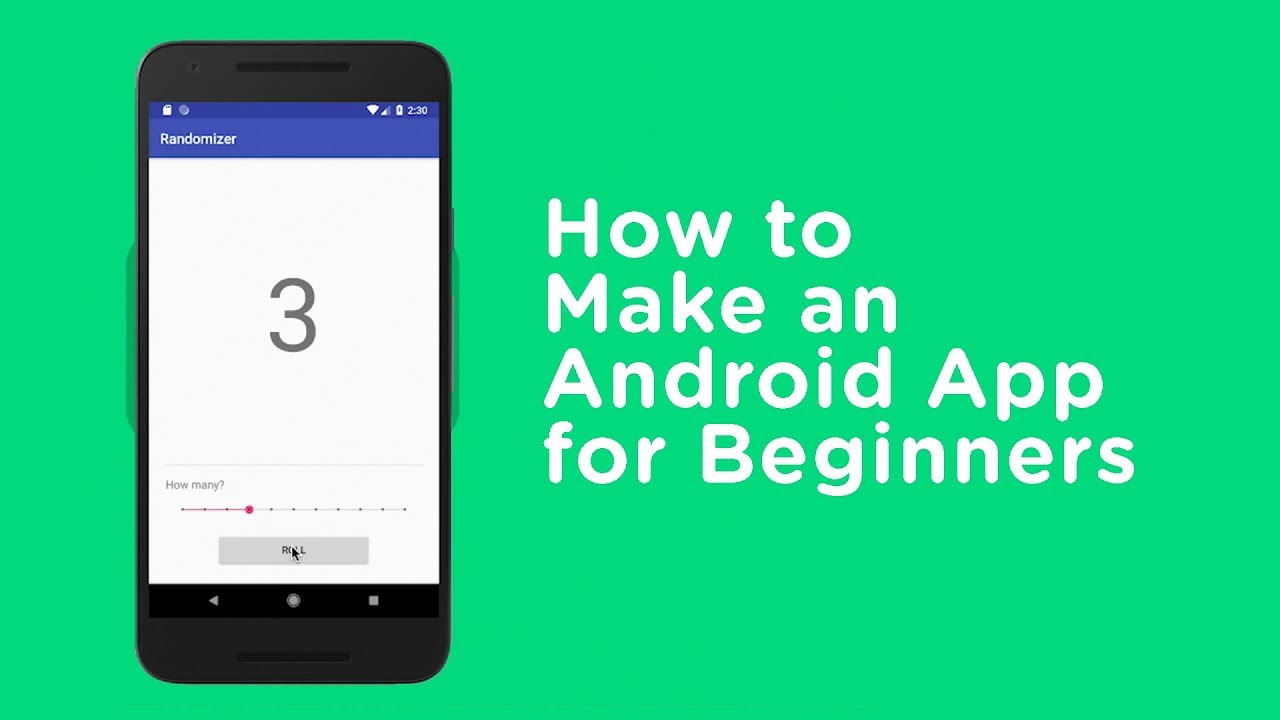
Android development can be a great way to turn your idea into reality or start a promising career as an app developer... and getting started is probably easier than you think.
These days Android Development is done with a tool called Android Studio. Android Studio is kind of like Microsoft Word for writing Android apps; it helps organize our projects and gives us a user-friendly way to create what we’re looking for.
In this video, we’ll walk through installing Android Studio and then make an app. Don’t worry if you don’t have any experience with Android or even programming in general; as long as you follow along we’ll all end up at the same place.
Click SHOW MORE to view a list of our other popular Android videos!
You can watch *all* of these videos as part of your free trial! http://bit.ly/3FdJzut
--
These are just a few of the many Android development videos available to Treehouse subscribers.
Download Android Studio
https://developer.android.com/studio?gclid=Cj0KCQiA9YugBhCZARIsAACXxeJZEztMS5N65y8EVt6Kc7OG1OHE9Y2VJ9RAMQr_8OYTJdN6eBg_Z0QaApXNEALw_wcB&gclsrc=aw.ds
Android Development for Beginners (11-hour course)
http://trhouse.co/AndroidApp-AndroidDev
Build a Simple Android App with Java
https://trhouse.co/3Mt5v7L
Build a Simple Android App with Kotlin
https://trhouse.co/432sKN2
Build a Weather App for Android
https://trhouse.co/43mHmq1
Styles and Themes in Android
https://trhouse.co/3BPrCjT
Testing in Android
https://trhouse.co/3ODVx6e
Localization in Android
https://trhouse.co/424mp2f
Android Widgets
https://trhouse.co/3qbN3c4
Custom Views in Android
https://trhouse.co/3OCJbuR
Getting Started with Firebase
https://trhouse.co/3OFD88W
---
Learn from over 1,000 videos created by our expert teachers on web design, coding, business, and much more. Treehouse teaches the in-demand technology skills you need to land your dream job.
Follow Us!
Twitter: https://twitter.com/treehouse
Instagram: https://instagram.com/teamtreehouse
LinkedIn: https://www.linkedin.com/schoo....l/treehouse-island-i
Facebook: https://www.facebook.com/teamtreehouse/
#android #kotlin #coding #appdevelopment
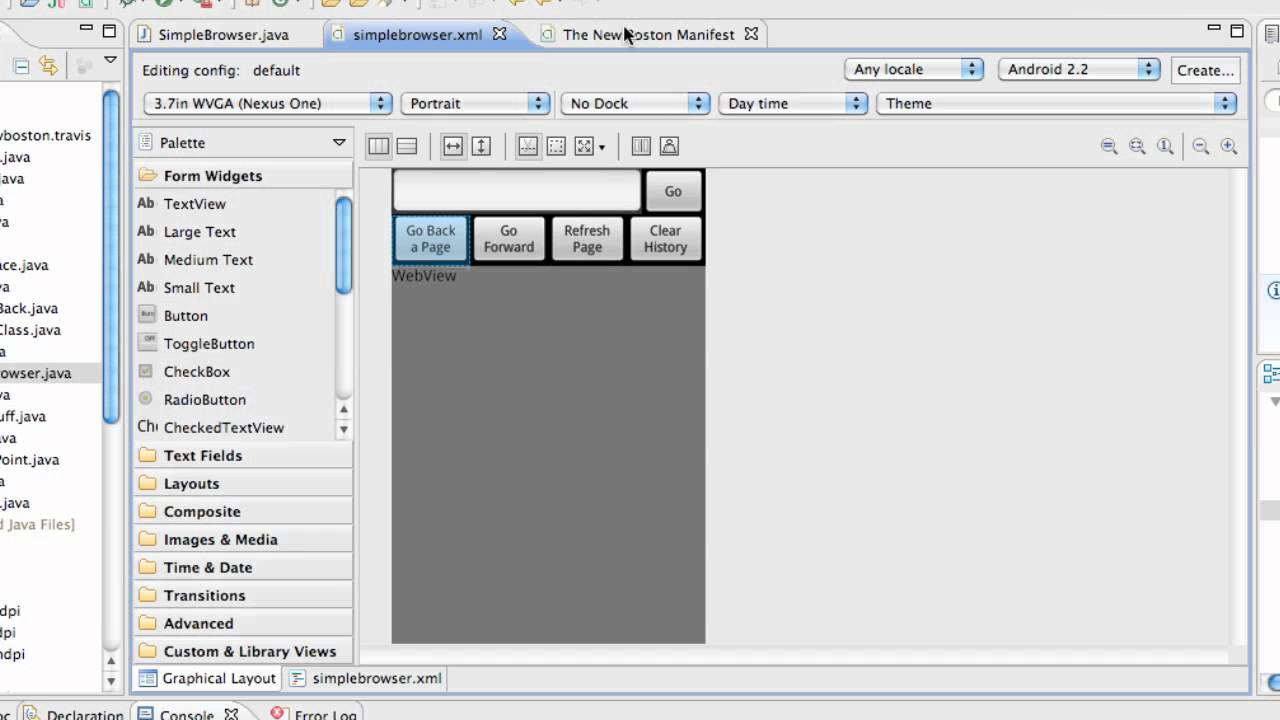

Learn the Kotlin programming language in this introduction to Kotlin. Kotlin is a general purpose, open source, statically typed “pragmatic” programming language. It is used for many things, including Android development.
🎥Course developed by Nate Ebel. Check out his YouTube channel: https://www.youtube.com/channe....l/UCVysWoMPvvHQMEJvR
⭐️ Course Contents ⭐️
⌨️ (0:00:50) Create Your First Kotlin Project
⌨️ (0:04:23) Hello World
⌨️ (0:06:33) Working With Variables
⌨️ (0:11:04) Type System
⌨️ (0:15:00) Basic Control Flow
⌨️ (0:21:31) Basic Kotlin Functions
⌨️ (0:27:12) Function Parameters
⌨️ (0:32:52) Arrays
⌨️ (0:35:28) Iterating with forEach
⌨️ (0:41:17) Lists
⌨️ (0:42:47) Maps
⌨️ (0:45:05) Mutable vs Immutable Collections
⌨️ (0:49:24) Vararg Parameters
⌨️ (0:54:21) Named Arguments
⌨️ (0:56:26) Default Parameter Values
⌨️ (1:00:27) Create A Simple Class
⌨️ (1:03:35) Adding Class Properties
⌨️ (1:05:15) Class Init Block
⌨️ (1:06:40) Accessing Class Properties
⌨️ (1:07:32) Primary Constructor Properties
⌨️ (1:08:17) Secondary Constructors
⌨️ (1:09:50) Working With Multiple Init Blocks
⌨️ (1:11:30) Default Property Values
⌨️ (1:11:59) Properties With Custom Getters/Setters
⌨️ (1:16:52) Class Methods
⌨️ (1:20:12) Visibility Modifiers - Public/Private/Protected/Public
⌨️ (1:22:30) Interfaces
⌨️ (1:24:21) Abstract Classes
⌨️ (1:26:13) Implementing An Interface
⌨️ (1:26:35) Overriding Methods
⌨️ (1:28:30) Default Interface Methods
⌨️ (1:29:30) Interface Properties
⌨️ (1:31:40) Implementing Multiple Interfaces
⌨️ (1:32:57) Type Checking And Smart Casts
⌨️ (1:36:18) Inheritance
⌨️ (1:43:07) Object Expressions
⌨️ (1:45:06) Companion Objects
⌨️ (1:49:51) Object Declarations
⌨️ (1:52:41) Enum Classes
⌨️ (1:58:16) Sealed Classes
⌨️ (2:00:07) Data Classes
⌨️ (2:12:25) Extension Functions/Properties
⌨️ (2:16:40) Higher-Order Functions
⌨️ (2:29:07) Using The Kotlin Standard Library
⌨️ (2:00:07) Data Classes
--
Learn to code for free and get a developer job: https://www.freecodecamp.org
Read hundreds of articles on programming: https://medium.freecodecamp.org

In this video, we'll build a simple calculator using Jetpack Compose :)
⭐ Get certificates for your future job
⭐ Save countless hours of time
⭐ 100% money back guarantee for 30 days
⭐ Become a professional Android developer now:
https://pl-coding.com/premium-courses?utm_source=youtube&utm_medium=video&utm_campaign=default
💻 Let me personally review your code and provide individual feedback, so it won't backfire and cost you a fortune in future:
https://elopage.com/s/philippl....ackner/code-review/p
Subscribe to my FREE newsletter for regular Android, Kotlin & Architecture advice!
https://pl-coding.com/newsletter
Join this channel to get access to perks:
https://www.youtube.com/channe....l/UCKNTZMRHPLXfqlbdO
Get the source code for this video here:
https://github.com/philipplackner/CalculatorPrep
Join my Discord server:
https://discord.gg/cwQbmUstEu
Regular programming advice on my Instagram page: https://www.instagram.com/_philipplackner_/
Checkout my GitHub: https://github.com/philipplackner
You like my free content? Here you can buy me a coffee:
https://www.buymeacoffee.com/philipplackner
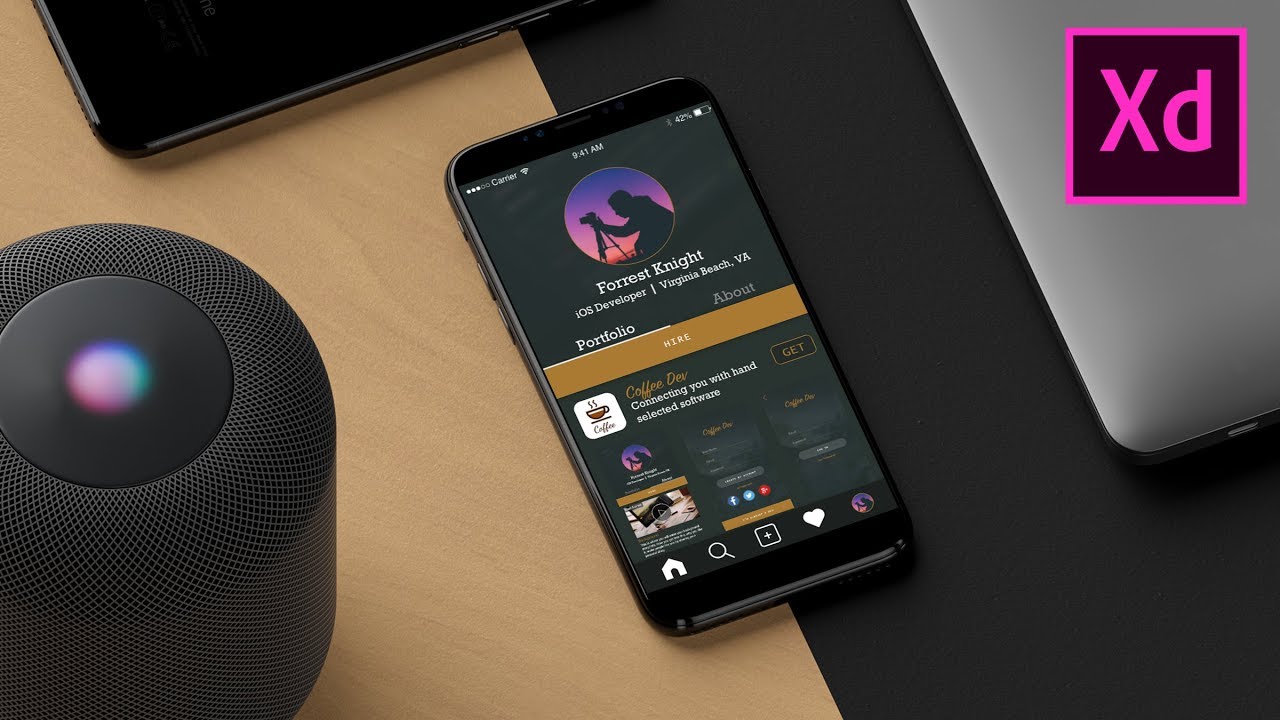
Most of y'all have some sort of app idea. The next step in the software development process is design. Today, I teach y'all how to design a mobile iOS app using Adobe XD.
Download Adobe Xd FREE --- https://www.adobe.com/products/xd.html
Follow & Tag --- https://www.instagram.com/adobestudents
Follow & Tag --- https://instagram.com/Forrest.Swift
⭐ Check out Kite:
A Free AI-powered Coding Assistant (download link): https://www.kite.com/get-kite/?utm_medium=referral&utm_source=youtube&utm_campaign=forrestknight&utm_content=description-only
Get Adobe CC HERE --- http://clkuk.tradedoubler.com/click?p=264355&a=3050319&g=22804962
This video was in partnership with Adobe Students.
Original Thumbnail Mockup made by Anthony Boyd --- https://www.anthonyboyd.graphics/
----------------------------------------------------------
I share and document my experiences on a topics including computer science, software engineering, and iOS development. I'm a full-time Software Engineer and a part-time YouTuber & iOS developer. My hobbies outside of what's been mentioned include surfing, snowboarding, and playing video games.
Subscribe, so you don't miss a thing!
Become an algorithms expert with AlgoExpert --- http://algoexpert.io/forrest (use promo code "forrest" for 30% off)
Receive free coding questions from Daily Coding Problem --- https://www.dailycodingproblem.com/fo... (use promo code "forrest" for 10% off premium)
Learn with Coursera! --- http://bit.ly/forrest-coursera
Learn with Udemy! --- http://bit.ly/udemy-forrest
Sellfy Store --- https://sellfy.com/forrestknight
My Office --- https://www.amazon.com/shop/influencer-0340be26
----------------------------- SOCIAL MEDIA -----------------------------
Twitch --- https://www.twitch.tv/forrestknight
GitHub --- https://github.com/ForrestKnight
Instagram --- https://instagram.com/Forrest.Swift
Twitter --- https://twitter.com/ForrestPKnight
Discord --- https://discord.gg/tF5p4qb
Medium --- https://medium.com/@ForrestKnight
----------------------------- PRODUCTS -----------------------------
Design Store --- https://sellfy.com/forrestknight
Recommended - Udemy iOS 11 & Swift 4 Course --- https://tinyurl.com/y8b7nhmn
----------------------------- DESK SETUP -----------------------------
Monitor --- http://amzn.to/2E9sioB
Monitor Arm --- http://amzn.to/2E8UckG
Standing Desk --- http://amzn.to/2C3T3oG
Desk Chair --- http://amzn.to/2EaWTy5
Keyboard --- http://amzn.to/2EaSxHa
Mouse --- http://amzn.to/2C3Bbud
Mousepad --- http://amzn.to/2GWASVB
Microphone --- http://amzn.to/2C4Upzj
----------------------------- VIDEO GEAR -----------------------------
Camera --- http://amzn.to/2dS8uYi
Microphone --- http://amzn.to/2eHr7xj
Tripod --- http://amzn.to/2jgbaOI
Bendy Tripod --- http://amzn.to/2eO2r5S
Lighitng --- https://amzn.to/2LqrqPv
----------------------------- OUTRO MUSIC -----------------------------
Country Cue 1 by Audionautix is licensed under a Creative Commons Attribution license (https://creativecommons.org/licenses/...)
Artist: http://audionautix.com/
How to use Notion on iPhone - How to use Notion app on iPhone and Android smartphones. This Notion app tutorial for beginners is a walkthrough guide to Notion app - Notion is a productivity and project management app for group work. Is Notion the best productivity app?
Today's Amazon Deals: https://amzn.to/365Gfza
Best Productivity apps: https://youtu.be/yshhgrcROME
Notion allows users to setup projects, to-do lists, co-work projects and more productivity features within a cloud-based system. Use Notion app to put together important tasks that need to be worked on collaboratively. Notion is similar to Asana, Trello, Todoist and other similar best productivity apps.
FOLLOW ME:
Instagram • http://bit.ly/TechZGInstagram
Twitter • http://bit.ly/TechZGTwitter
✅ Check out our FREE FACILITATION TRAINING and learn the 5 things you can do to become a top 1% facilitator and earn 6 figures while doing it! 👉https://go.ajsmart.com/start?utm_source=youtube&utm_medium=channel-video&utm_campaign=081220
________
Do you want to learn Figma but don’t know where to start? Well, if you follow this step-by-step tutorial, it will only take you 24 minutes to learn all the basics you need to know to start designing apps and websites in Figma.
In this Figma tutorial for beginners, UX designer Amr guides you through Figma’s interface and tools following a very valuable principle to start mastering this tool. “If you want to learn the basics, you should copy other designs”.
Do you have more questions about Figma or the next steps you should take? Leave them in the comments below ⬇️
✅ If you want to learn about facilitation and workshopping join our FREE FACILITATION COMMUNITY where hundreds of workshop facilitators gather to share their resources, insights and experiences 👉 https://www.skool.com/facilitatorclub
Also if you haven't already, subscribe to our Youtube channel for weekly UX / UI / Career / and Design Sprint videos: ❤️ https://www.youtube.com/AJ&Smart?sub_confirmation=1 😉
🛠Free resources mentioned in this video:
1️⃣ Figma website - https://www.figma.com/
2️⃣ Figma resources (Food delivery app UI template) - https://www.figma.com/community/file/852455074698003039
3️⃣ Free Figma icons - https://www.figma.com/resources/assets/evericons-for-figma/
4️⃣ Unsplash (Free images) - https://unsplash.com/
⏰ Video Timestamps
0:00 Intro
0:22 Advantages of using Figma
1:22 How to log in into figma.com
1:36 Why you should copy other designs
Start of Tutorial
2:28 How to start a project from a TEMPLATE
5:10 Interface OVERVIEW
5:27 Create a FRAME
6:38 SHAPE and COLOR creation
8:28 CORNER RADIUS adjustment
10:12 Create a CIRCLE
12:25 How to use an ICON
14:28 How to paste IMAGES
15:32 How to use TEXT
18:39 BUTTON UI
21:39 Conclusion
22:32 Next steps
Thanks for watching!
----
#Figma #FigmaTutorial #UXDesign
📣 FREE FACILITATION TRAINING! 👉 https://go.ajsmart.com/start
We’ve JUST launched a new 1-hour facilitation training, where we’ll teach you:
✅How we landed facilitation gigs with the world’s best companies (Google, Twitter, LEGO & more!)
✅How to successfully build & facilitate ANY workshop, even when you’re not a subject-matter expert
✅How to become a high-paid facilitator in 90 days or less, using our special ‘5-1-6 method’.
Interested? This training is available for a limited time only, so unlock it now and start watching!
If you want to stay ahead of the UX game, level up your career, and be in the know on the nerdiest, ‘techiest’ things, sign up for our FREE newsletter here: 📩 👇
📝 https://aj-smart.ck.page/21100f1c73 👀
Want more? Join 200,000+ people subscribing to our AJ&Smart YouTube, LinkedIn and Instagram channels for free content to help you and your team do more valuable work.
AJ&Smart is the #1 design sprint firm in the world, the official Design Sprint training partner with Jake Knapp inventor of the google design sprint and partner of choice for the world's most successful brands.
Figma UI Design Tutorial: Get Started in Just 24 Minutes! (2021)
https://youtu.be/FTFaQWZBqQ8
Learn how to build a complete native mobile app with forward-backward navigation, various Ionic components and the native device camera with Ionic, Capacitor and Vue.
Learn all about Vue.js with my "Complete Guide" course: https://acad.link/vuejs
Source code: https://github.com/academind/i....onic-vue-getting-sta
Join our Academind Community on Discord: https://discord.gg/gxvEWGU
Check out all our other courses: https://academind.com/learn/our-courses
----------
• Go to https://www.academind.com and subscribe to our newsletter to stay updated and to get exclusive content & discounts
• Follow @maxedapps and @academind_real on Twitter
• Follow @academind_real on Instagram: https://www.instagram.com/academind_real
• Join our Facebook community on https://www.facebook.com/academindchannel/
See you in the videos!
----------
Academind is your source for online education in the areas of web development, frontend web development, backend web development, programming, coding and data science! No matter if you are looking for a tutorial, a course, a crash course, an introduction, an online tutorial or any related video, we try our best to offer you the content you are looking for. Our topics include Angular, React, Vue, Html, CSS, JavaScript, TypeScript, Redux, Nuxt.js, RxJs, Bootstrap, Laravel, Node.js, Progressive Web Apps (PWA), Ionic, React Native, Regular Expressions (RegEx), Stencil, Power BI, Amazon Web Services (AWS), Firebase or other topics, make sure to have a look at this channel or at academind.com to find the learning resource of your choice!

🏆 My Online Courses
https://stevdza-san.com
☕ Buy me a Coffee
https://ko-fi.com/stevdza_san
🐱👤 Wanna become a member? Join!
https://www.youtube.com/channe....l/UCYLAirIEMMXtWOECu
📸 Instagram
https://www.instagram.com/stevdza_san/
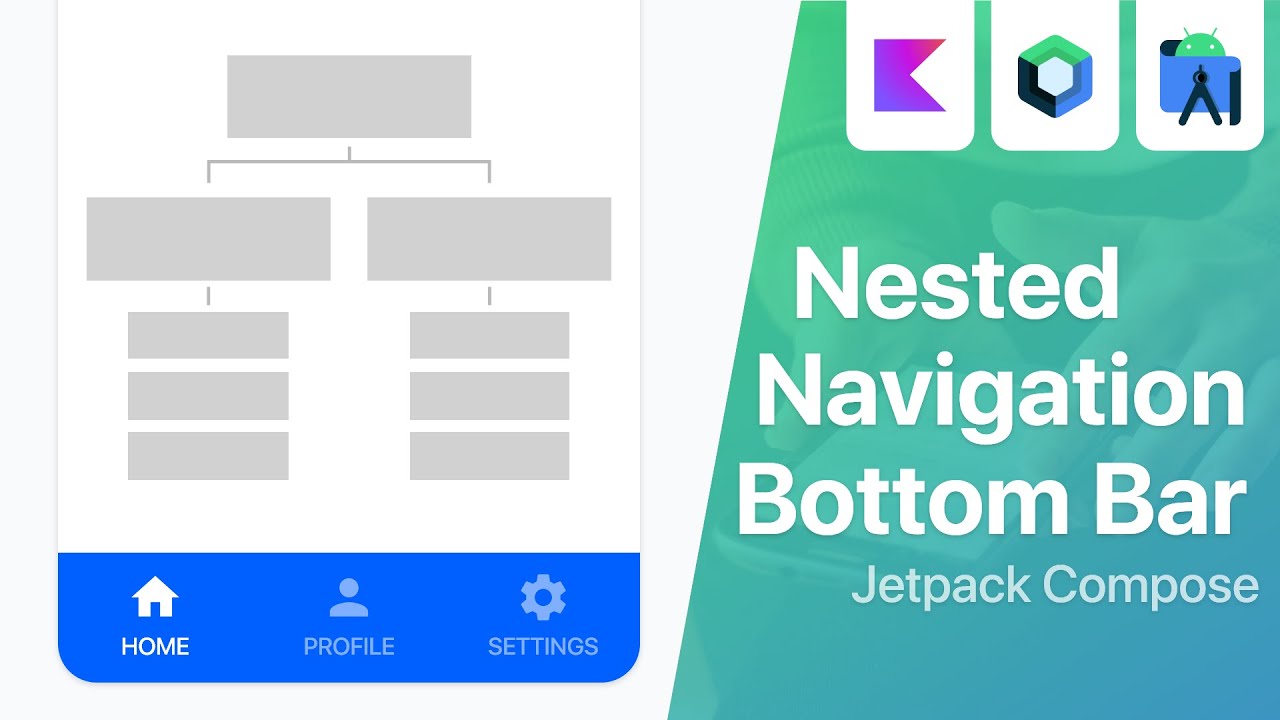
In this video I'm going to show you how to successfully implement a Nested Navigation with Bottom Bar in your app, using Jetpack Compose! Watch the video until the end, there are a lot of useful and important information! Enjoy. :)
💻 Source code: https://github.com/stevdza-san..../NestedNavigationBot
⌚Timestamps
0:00 - Introduction
0:43 - Preview
2:58 - Project Overview

Recommend: Before buying of app source code with the admin panel
Get 10,000 free mins with ZEGOCLOUD SDK: https://bit.ly/3GGH9oW
Pre-built UIKits to build Android apps faster: http://bit.ly/3ZZ2pgs
Best video call SDK & API for Android: https://bit.ly/3msNe1d
Hospital AutoManager Apps Demo: https://cutt.ly/xgDGNbi
Hospital AutoManager Apps Login Info:
----------------------------------------
User: admin@demo.com
Password: 12345
Hospital Automanager Android Apps Full Source code Download Link Buy Cheap rate: https://1.envato.market/Yg9O3j
Admin Panel Info:
--------------------
Hospital Management Admin panel Full Source code Download Link Buy Cheap rate: https://1.envato.market/MXmZ3o
Apps have some info very necessary
-----------------------------
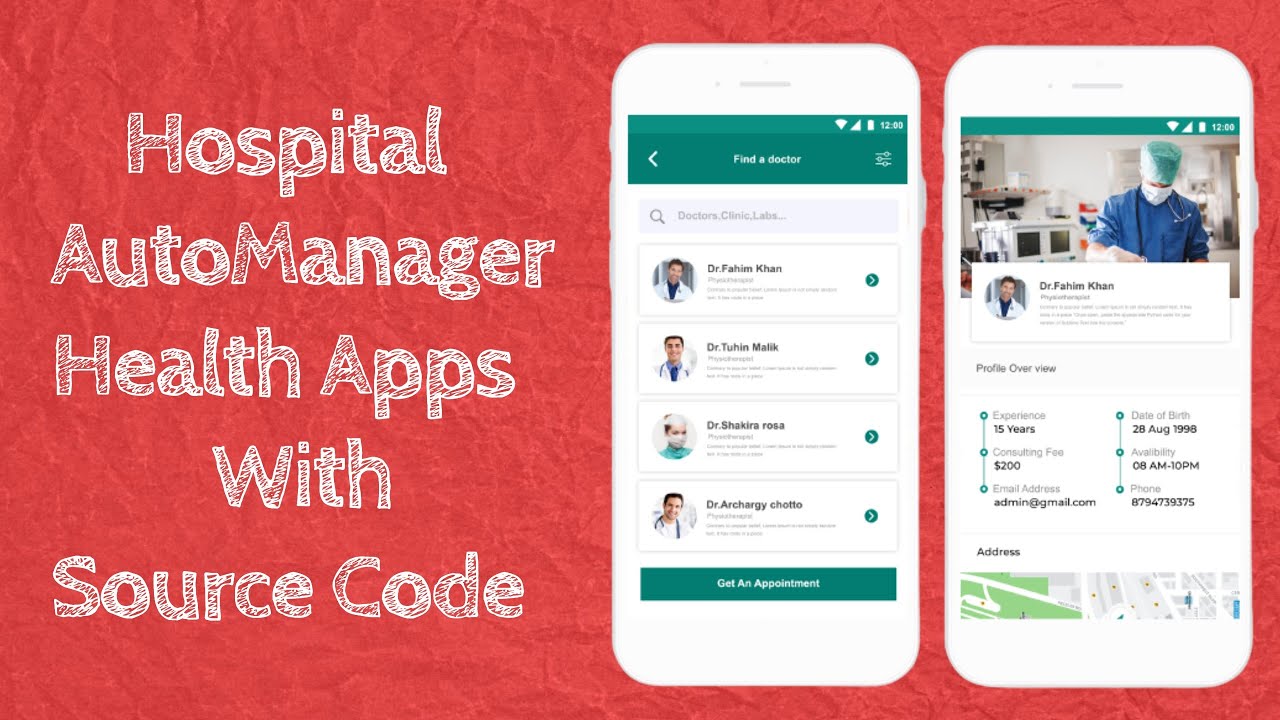
Hospital Automanager is a hospital management software that is basically built for websites and androids. The Hospital auto manager app can enhance working efficiency, helps to improve patient care, provide a better management system, and many more!
You can get lots of excellent features and modules in this app for operating your business smoothly. Also, you can maintain your entire system from any time and anywhere by using this hospital auto-manager app.
The most important factor is that to use this excellent app, you need to buy our full source code with the website. Because this app is given as a demo.
The hospital management app is mainly used for maintaining any hospital’s functionalities and activities automatically. For this circumstance, the hospital auto manager is the best hospital management app, because this app helps to operate your business accurately. Also, it can handle the appointment system efficiently. As well as, you can get an easy and comfortable system.
Very Wonderful Features :
------------------------
Complete Hospital Management Solution
Prescription Management System
Doctor Management System
Insurance Management System
Billing Management System
Role-Based Permission Setup System
Multiple EMail and SMS gateway added
Human Resource System
Full Accounting System of Hospital and its Report
Complete Bed Management System
Medication and Visits System
Case Manager Management System
Patient Separate login and appointment System
Hospital Enquiry System
LTR and RTL Version
Users any language changes from front and Backend
Pharmacy Management System
Appointment Management System
Birth Report
Death Report
Operation Report
Investigation System Report
Paid Android apps system if you need
Benefits of Hospital Automanager software and app
In this section, we will discuss some important benefits of our hospital auto manager app:
I can make any apps for your company and Your own apps I can promote android apps on my youtube channel
If anyone needs any android apps for your company and wants to promote your apps.
Contact:
Email: hossenbelal57@gmail.com
My Facebook Page: https://www.facebook.com/AndroidAppDiscuss/
If you face any problems please contact me by link: https://tinyurl.com/y5cvyk9q
android studio,
android tutorials,
android tutorials in English,
app bar material design,
android development tutorial,
android programming tutorial,
android app development tutorial,
android tutorial for beginners,
android app tutorial,
android studio tutorial,
learn android programming,
android developer tutorial,
android programming,
Android development,
android studio tutorial for beginners,
android course,
android training,
android development course,
android app development course,
android beginner tutorial,
android Advance Tutorial,
android professional Tutorial,
Android Bangla Tutorial,
android beginner tutorial,
android app design,
android material design,
android apps, Best Android Apps,
health apps,
hospital,
hospital android apps,
hospital app,
appointment app,
the clinic, clinic app,
clinic manager, doctor app,
Doctor Management app,
Hospital Appointment app,
Health care app,
Medical app,
general hospital apps,
hospital app design,
the react-native medical app,
multi-hospital,
---------||-----------------
watch some more videos
e-commerce app
Link: https://www.youtube.com/watch?v=Q6dUVn5TqQA&t=2s
Social media app
Link: https://www.youtube.com/watch?v=d6KOiI6-Xts
Weather app
Link: https://www.youtube.com/watch?v=NtqRUKi7M74
Food App
Link: https://www.youtube.com/watch?v=vlGwCxQOIn4&t=6s
News App
Link: https://www.youtube.com/watch?v=TFYvJg_aYdk&t=7s
Music Player App
Link: https://www.youtube.com/watch?v=dYgSc_R_fOk&t=13s
If So,
?LIKE
?COMMENT
?SUBSCRIBE
?SHARE
LINKS??
___
Watch my other videos :
https://www.youtube.com/channe....l/UCsqS97fsh-XlIg2bU
Guys! In this Video we are going to discuss about How to Setup Admin Panel Complete process step by step 2022
=============================
How to Install Android Studio:
https://youtu.be/89OSI-fk0E8
Delete app from play store:
https://youtu.be/8gyJZy4xojY
privacy policy for app:
https://youtu.be/9Lw_thHc5m0
Publish app on play store Read more:
https://youtu.be/bXOHlpqAiCo
----------------------------------
How to Setup Admin Panel Complete process step by step
How to Setup Admin Panel
Setup Admin Panel 2022
how to create an app for android
#app #customization #reskinapp #technicdude #deepcrazyworld
========================
My New laptop: https://amzn.to/2WdaHWW
My Old Laptop: https://amzn.to/3j6XMyz
My Boya Mic: https://amzn.to/3D50EUF
My Mouse: https://amzn.to/383xd7d
HeadPhone: https://amzn.to/2WclOzd
My Mobile: https://amzn.to/2UBuYVs
My Tripod: https://amzn.to/3DidOxQ
=========================
Website - https://technicdude.com
Website - https://www.deepcrazyworld.com
▐► Facebook 💌 :https://www.facebook.com/Technic-Dude
▐►Twitter: https://twitter.com/DeepCrazyWorld?s=08
▐►Instagram: https://www.instagram.com/technic_dude26
▐► Pinterest : https://in.pinterest.com/deepcrazyworld/
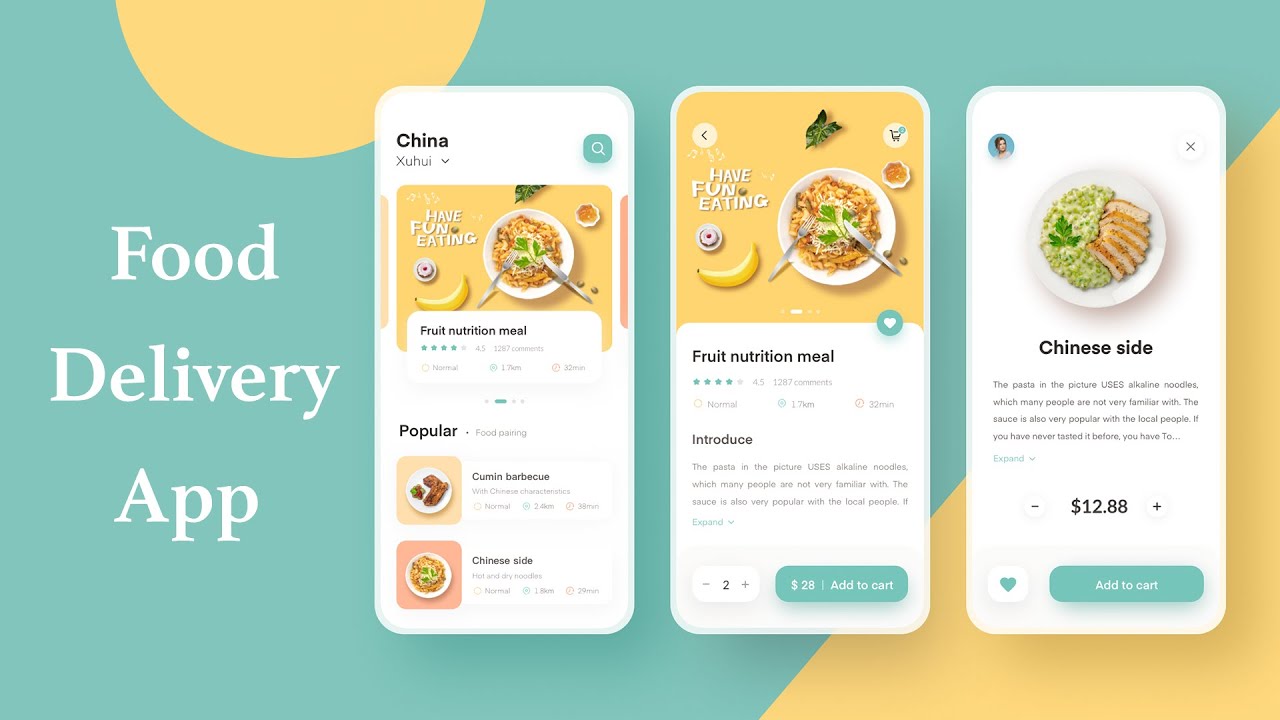
This is an e-commerce app for food delivery using flutter with backend as crash course tutorial for iOS and Android. This is a shopping app with backend of Laravel and Laravel admin panel using restful api complete CRUD operations. We also used firebase for notification. This tutorial covers complete shopping cart, placing orders, signup or registration, sign-in or login, payment.
⏰⏰🚛🚛Multivendor app
https://youtu.be/NHlVuQpy8B4
https://www.dbestech.com/tutor....ials/flutter-multi-v
😀😀😃Motivate my work
https://www.buymeacoffee.com/dbestech/e/79321
About my Palestinien brother
https://www.youtube.com/watch?v=HnZSaKYmP2s
⏫⏫⏫⏫🔥🔥Bloc advanced code(e-commerce app)
https://youtu.be/KfVf67MtqiY
Buy me a coffee
https://www.buymeacoffee.com/dbestech/e/79321
Flutter E-commerce app tutorial part 2
https://youtu.be/GQJovou6zuE
Flutter E-commerce app tutorial part 4
https://youtu.be/sJoJVmk1M8Y
Get the source code of this food ordering app with ui and backend as you saw in the demo section of this video here
https://www.dbestech.com/tutor....ials/flutter-food-de
Task management app
https://www.dbestech.com/tutor....ials/flutter-task-ma
This tutorial for beginners to advanced. This app development tutorial covers a complete app as a project. This app uses Getx as state management system. (not speed code, not the flutter way)
twitter @dbestech
Get the quick access to the code for the shopping app from Patreon
https://www.patreon.com/posts/61833613
Get the quick access to the code for the quiz app from Patreon
https://www.patreon.com/posts/63323762
Major features
1. Show products based on category
2. Shopping cart
3. Place your order
4. Track order
5. User profile
6. Sign in & Sign up
7. User address location from Google Map
8. Zone based order
9. User Authentication
10. Firebase notification
11. Payment (Paypal)
12. Create new products on the backend
13. See order details
14. Update order status
Timestamps
0:03:00 Introduction of the e-commerce app
0:05:00 Tutorial part 1 introduction
0:06:24 Tutorial part 2 introduction
0:07:25 Introduce part 3 tutorial
0:08:00 Start coding
0:10:00 Create home page directory and file
0:10:26 Create main food page class
0:11:22 Draw the header section
0:41:04 PageView.builder
0:56:39 PageViewBuilder height
1:20:38 Set up default color for IconAndTextWidget
1:38:00 Start working on the sliding and scaling Pageviewbuilder
1:56:58 Work on the shadow
2:25:25 BigText work on the default font size
2:43:50 Finished working on the dots indicator
2:45:00 Working the viewport height for ListView.Builder
3:17:00 Start working on the RecommendedFoodDetail page
5:04:00 Work on the navigation of the pages and app architecture
5:10:00 Explain app artchitecture
5:20:00 Create ApiClient file and explain headers, baseurl and timeout
5:28:00 Popular product repo
5:32:00 Create getData() method in the ApiClient file
5:41:00 Working on the popularproductList
5:55:00 Understand Models, Classes, MAP and JSON
6:26:00 Show how to use tools to generate Classes and Model
5:16:10 Create helper folder for dependency injection
5:17:02 Create file dependencies.dart
6:44:00 Debug and print data from getPopularProductList
7:12 Use the data from the network and show on popularproduct detail page
7:33:00 Work on the recommended product page and display data from the network
7:48:00 Use GetX Router for navigation from HomePage
7:48:18 RouteHelper Class
7:59:00 Create more Routes for the app
8:35:00 Explain the Shopping App and Shopping Cart
8:46:00 Work on the setQuantity method
8:55:00 Work on the checkQuantity method
9:08:00 Inject CartRepo in the dependency
9:14 :00 Modify CartModel for Quantity
9:26:50 Pass CartController to ProductController
9:50:00 Work on the additem method on CartController
10:00:00 Create isExistInCart method
10:16:00 Modify addItem method on PopularProductController
11:16:00 Create CartPage file
11:28:00 explain getItems method in CartController
