
- Film & Animation
- Music
- Pets & Animals
- Sports
- Travel & Events
- Gaming
- People & Blogs
- Comedy
- Entertainment
- News & Politics
- How-to & Style
- Non-profits & Activism
- Religion & Spiritual
- Health Natural Remedies
- Gardening +
- Arts & Crafts
- Action
- Hair & Beauty
- Hunting & Survival
- Shopping & Reviews
- Motivational & Self Help
- Jesus
- Marriage
- Live TV
- Programing & Coding
- Latest & Gadgets
- Make You Own
- Unexplained & Stange
- Jesus Christ
- Food & More
- Other
Top videos


Official Video for ”Million Dollar Bill” by Whitney Houston
Listen to Whitney Houston: https://WhitneyHouston.lnk.to/listenYD
Watch more Whitney Houston videos: https://WhitneyHouston.lnk.to/listenYC/youtube
Subscribe to the official Whitney Houston YouTube channel: https://WhitneyHouston.lnk.to/subscribeYD
Follow Whitney Houston:
Facebook: https://WhitneyHouston.lnk.to/followFI
Instagram: https://WhitneyHouston.lnk.to/followII
Website: https://WhitneyHouston.lnk.to/followWI
Spotify: https://WhitneyHouston.lnk.to/followSI
YouTube: https://WhitneyHouston.lnk.to/subscribeYD
Ask your voice device to play Whitney Houston!
Lyrics:
If he make you feel like a million dollar bill
Say, "oh, oh, oh", say, "oh, oh, oh"
Makes you go left, right, up, down
Got you spinnin' 'round and round
Say, "oh, oh, oh", say, "aww, baby"
#WhitneyHouston #MillionDollarBill #OfficialVideo

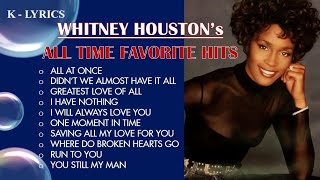
Uploading All-Time-Favorite hits Karaoke's from 70's , 80's 90's, 00's to reminisce all best love music of all time. We upload as well the vocal guide for our younger generations guide who like old love songs music.
Check out our Videoke Channel and sing with us, follow link below: https://www.youtube.com/channel/UCHoG...
DISCLAIMER:
*Video lyrics are originally created by K-Lyrics channel.
*Song content credit to owner/singer/writer/producer and no infringement of copyright is intended to original song composer/writer.
PLEASE LIKE, SHARE AND SUBSCRIBE

Watch my Whitney Houston Fan Documentary here: https://youtu.be/Hed8bMhE1W0
Thank you for watching my YouTube video! ► Subscribe to My Channel Here: https://www.youtube.com/@quencie
--
My name is Quencie Thomas and I am the HOST and FOUNDER of Studio Q. I am a full-time content creator that delivers black excellence one interview at a time. Representation matters which is why I created Studio Q. It is my passion to share with you the journeys of black people. I love to highlight their process of how people deliver the greatness in their craft. The value it gives is both timeless and priceless.
My YouTube channel offers interviews with black celebrities, black content creators, black women, black men, black small business owners, black artists and musicians, black producers, black executives, and black professionals who work behind the scenes in all facets of the entertainment industry.
My superpower is making people feel comfortable enough to go beyond social media and tabloid headlines to have fun, authentic and impactful conversations that you can connect with. My goal is to reveal who people are behind their title and beyond their persona.
SUBSCRIBE to my channel and automatically support underserved people and underserved audiences. Black Media is both important and necessary because it elevates black people and amplifies their stories in a way that mainstream media does not.
My media background includes being a producer for The Tyra Banks Show, Divorce Court, David E. Kelly’s Reality Show, The Law Firm and countless other shows on MTV, BET, NBC and CBS. I have produced and directed a Whitney Houston Fan Documentary entitled, ‘For The Love of Whitney.’
I am also the author of two eBooks, ‘How To Rock The Red Carpet’ and ‘Nothin’ But Love: My Moments with Whitney Houston.’
I have had red carpet Interviews and intimate sit down conversations with the likes of:
🎤Whitney Houston, Chaka Khan
🎤Brandy, Monica, Deborah Cox
🎬Jenifer Lewis, Danny Glover
🎬 Viola Davis, Alfre Woodard
🏈 Rashad Jennings, Terrell Suggs
🏀 Magic Johnson
🎤 LL Cool J, Faith Evans, Shanice
🙏🏽 Bishop T.D. Jakes, Devon Franklin
🎬Taraji P. Henson, Anika Noni Rose, Meagan Good, Vivica Fox
✅Plus so many more!
For questions please email: studioq@quencie.com
----
Thank you for watching this video. I hope that you keep up with the interviews I post on this channel. Please subscribe, and share your opinions. I love reading and responding to your feedback on the interviews I conduct.
Follow Me Online Here:
Tik Tok: @studioqtv
Tik Tok: @quencie.com
Instagram: http://instagram.com/StudioQTV
Instagram: http://instagram.com/QuencieTV
Website: http://quencie.com
Podcast: https://anchor.fm/quencie
Twitter: http://twitter.com/studioqtv
Twitter: http://twitter.com/quencie
Facebook: https://www.facebook.com/StudioQTV
#youtubechannel #youtube #youtuber #youtubers #subscribe #youtubevideos #sub #youtubevideo #like #instagram #follow #video #vlog #subscribetomychannel #gaming #music #explorepage #love #smallyoutuber #vlogger #youtubegaming #instagood #gamer #youtubecommunity #likes #explore #youtubelife #youtubecreator #ps #bhfyp #interviews #Blackcreators #blackyoutubers #blackcelebrities #blackjournalist #blackpeople #whitneyhouston #quencie #quenciethomas #ChakaKhan #Brandy #Monica #DeborahCox
#jeniferlewis #youtubecommunity #DannyGlover #ViolaDavis #alfrewoodard #RashadJennings #TerrellSuggs #MagicJohnson #LLCoolJ #FaithEvans #Shanice #BishopTDJakes #DevonFranklin
#TarajiPHenson #meagangood #VivicaFox #oprahwinfrey #celebrityinterviews #blackcreative #blackyoutuber #blackyoutube #blackyoutubers #follow #bhfyp

Here's how I make a medium stoneware bowl, from the very beginning as a lump of soft clay to the finished, fired vessel. There are many steps, from throwing, turning, bisque firing, waxing, glazing and finally reduction firing. Below you'll find some timestamps if you'd like to see certain processes.
Timecodes:
0:00 - Wedging clay
0:47 - Throwing
3:05 - Trimming
6:07 - Bisque firing
6:21 - Waxing
7:24 - Glazing
8:32 - Cleaning up glazed ware
10:32 - Packing gas kiln
11:51 - Firing gas kiln
12:18 - Initiating reduction atmosphere
13:17 - Opening kiln
14:20 - Finished bowls
Let me know if you've got any questions in the comments below and as always, thanks for watching.
____
Instagram – https://www.instagram.com/floriangadsby/
TikTok – https://www.tiktok.com/@floriangadsby
Website – http://www.floriangadsby.com

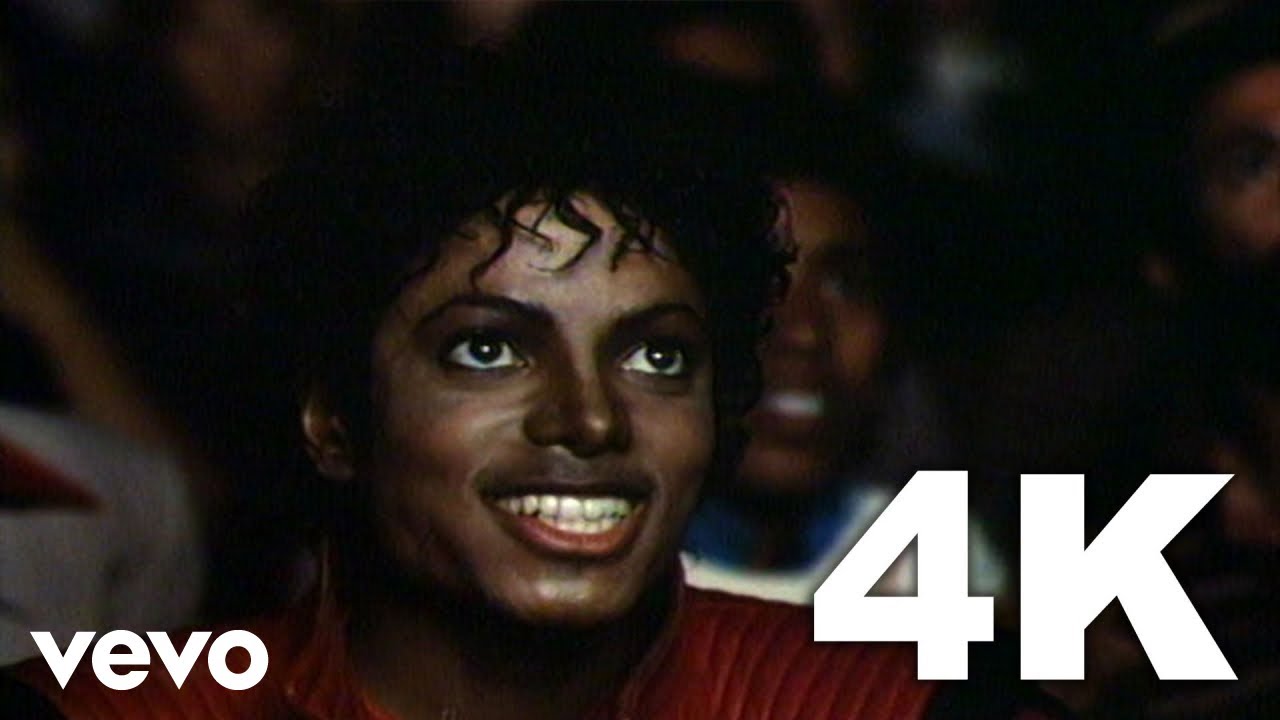
Michael Jackson's official 4K music video for "Thriller"
Listen to more Michael Jackson: https://MichaelJackson.lnk.to/Stream!to
Michael Jackson's 14-minute short film "Thriller" revolutionized the music video genre forever. Hailed as the greatest music video of all time by MTV, VH1, Rolling Stone and others, "Thriller," directed by John Landis, is also the only music video selected to be included in the Library of Congress' prestigious National Film Registry.
Buy/Listen to Thriller 25:
Amazon - http://smarturl.it/mj_thriller....25_amzn?IQid=ytd.mj.
iTunes - http://smarturl.it/MJ_T25DE_OS?IQid=ytd.mj.thrill3
Official Store - http://smarturl.it/MJ_T25DE_OS?IQid=ytd.mj.thrill3
Spotify - http://smarturl.it/mj_thriller....25_sptfy?IQid=ytd.mj
Written by Rod Temperton
Produced by Quincy Jones for Quincy Jones Productions
From the album Thriller, released November 30, 1982
Released as a single January 23, 1984
THE SHORT FILM
Director: John Landis
Primary Production Location: Los Angeles, California
Michael Jackson's short film for "Thriller" was the third of three short films produced for recordings from Thriller, which continues its reign as the biggest selling album of all time with worldwide sales in excess of 105 million as of June 1, 2016 and in December 2015 became the first ever album to be awarded triple diamond status (i.e.: sales in excess of 30 million) by the RIAA for US sales alone. The "Thriller" single reached No. 1 in four countries in 1984, topping the U.S. Billboard Hot Dance Club Play chart as well as charts in Spain, France and Belgium. The song peaked at No. 4 on the Billboard Hot 100, making Thriller the first album to feature seven Top 10 singles. The Recording Industry Association of America certified "Thriller" Gold and Platinum on December 4, 1989.
The groundbreaking short films for the Thriller album, starting with "Billie Jean," following up with "Beat It" and culminating with the epic, nearly 14-minute "Thriller," truly expanded the possibilities of "music video" as art form. "I wanted something that would glue you to the set, something you'd want to watch over and over," Michael wrote in his 1988 memoir Moonwalk. "I wanted to be a pioneer in this relatively new medium and make the best short music movies we could make."
In the short film's extended prologue, Michael's moonlit date with his girlfriend (played by model Ola Ray) is interrupted by his sudden transformation into a howling werewolf. While the "real" Michael and Ola, observing the scene in a movie theater, walk home from the their date, Michael teases her by singing the verses of "Thriller."
Subscribe to the official Michael Jackson YouTube channel: https://MichaelJackson.lnk.to/subscribeYD
Follow Michael Jackson:
Facebook: https://MichaelJackson.lnk.to/followFI
Twitter: https://MichaelJackson.lnk.to/followTI
Instagram: https://MichaelJackson.lnk.to/followII
Website: https://MichaelJackson.lnk.to/followWI
Spotify: https://MichaelJackson.lnk.to/followSI
Lyrics:
It's close to midnight
Something evil's lurking from the dark
Under the moonlight
You see a sight that almost stops your heart
You try to scream
But terror takes the sound before you make it
You start to freeze
As horror looks you right between your eyes
You're paralyzed
'Cause this is thriller
Thriller night
And no one's gonna save you
From the beast about to strike
You know it's thriller
Thriller night
You're fighting for your life
Inside a killer thriller tonight, yeah
#MichaelJackson #Thriller #Halloween #4kRemastered

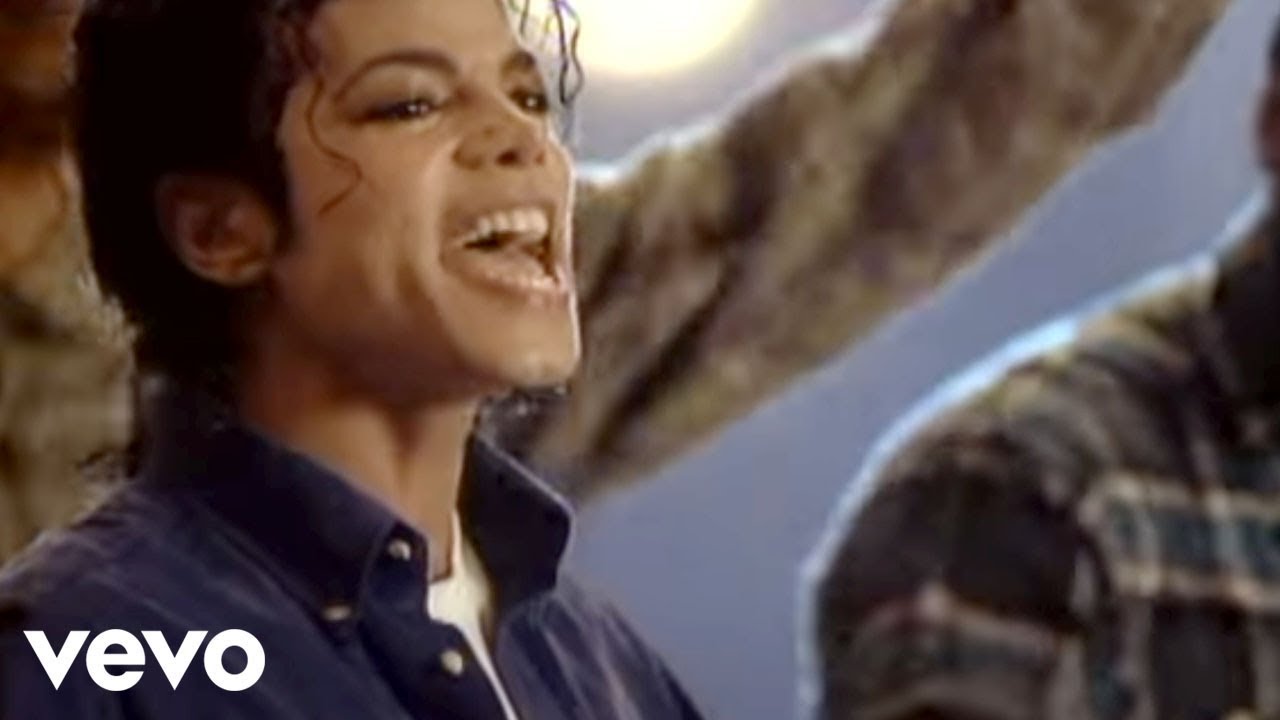
Official Video for “The Way You Make Me Feel” by Michael Jackson
Listen to Michael Jackson: https://MichaelJackson.lnk.to/_listenYD
“The Way You Make Me Feel” short film is the second of nine short films for the “Bad” album and shows off a more flirtatious and romantic yet still edgy side of Michael Jackson. The Joe Pytka-directed short film was nominated for an MTV Music Video Award for Best Choreography in 1988. “The Way You Make Me Feel” is the third of five consecutive No.1 singles from the album making Michael the first artist to achieve this milestone.
Subscribe to the official Michael Jackson YouTube Channel: https://MichaelJackson.lnk.to/subscribeYD
Follow Michael Jackson:
Facebook: https://MichaelJackson.lnk.to/_followYS/facebook
Twitter: https://MichaelJackson.lnk.to/_followYS/twitter
Instagram: https://MichaelJackson.lnk.to/_followYS/instagram
Website: https://MichaelJackson.lnk.to/...._followYS/websitegen
Spotify: https://MichaelJackson.lnk.to/_followYS/spotify
Chorus:
The way you make me feel
(The way you make me feel)
You really turn me on
(You really turn me on)
You knock me off of my feet
(You knock me off of my feet)
My lonely days are gone
(My lonely days are gone)
#MichaelJackson #TheWayYouMakeMeFeel #Bad
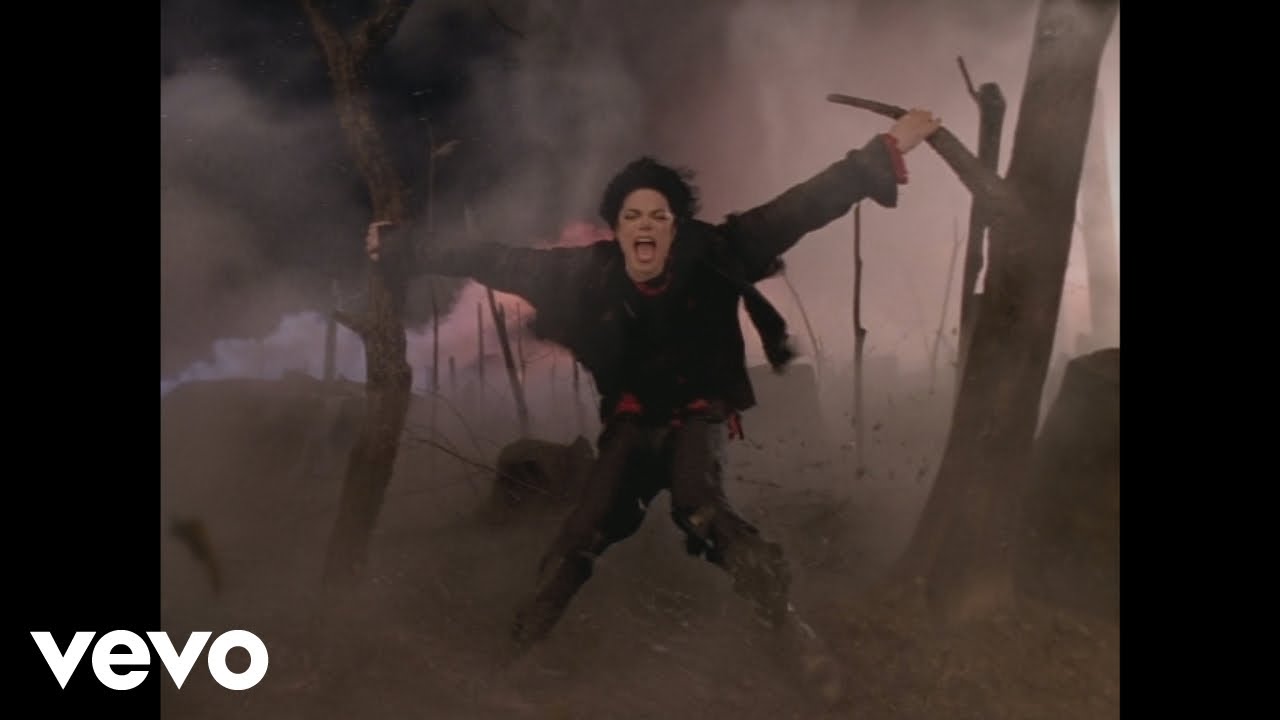
“Earth Song” by Michael Jackson
Listen to Michael Jackson: https://MichaelJackson.lnk.to/_listenYD
The short film to Michael Jackson’s “Earth Song,” his best-selling single in the United Kingdom, earned Michael the Doris Day Music Award from the Humane Society’s Genesis Awards. The urgent need to address the issues facing the planet and all that inhabit it were on the forefront of Michael’s mind when he created this song and short film; issues that are even more urgent today.
Subscribe to the official Michael Jackson YouTube Channel: https://MichaelJackson.lnk.to/subscribeYD
Watch more Michael Jackson videos: https://MichaelJackson.lnk.to/_listenYC/youtube
Follow Michael Jackson:
Facebook: https://MichaelJackson.lnk.to/_followYS/facebook
Twitter: https://MichaelJackson.lnk.to/_followYS/twitter
Instagram: https://MichaelJackson.lnk.to/_followYS/instagram
Website: https://MichaelJackson.lnk.to/...._followYS/websitegen
Spotify: https://MichaelJackson.lnk.to/_followYS/spotify
Chorus:
Did you ever stop to notice
All the children dead from war?
Did you ever stop to notice
This crying Earth, these weeping shores?
Ah, ooh
Ah, ooh
#MichaelJackson #EarthSong #HIStory

“Don't Stop 'Til You Get Enough" by Michael Jackson
Listen to Michael Jackson: https://MichaelJackson.lnk.to/_listenYD
"Don't Stop 'Til You Get Enough" was the first short film of Michael Jackson's solo career, filmed in 1979 for the No. 1 hit single from 'Off the Wall.' "Don't Stop 'Til You Get Enough," directed by Nick Saxon, was the jumping off point for the elaborate and groundbreaking "short films" Michael would go on to create throughout his career.
Subscribe to the official Michael Jackson YouTube Channel: https://MichaelJackson.lnk.to/subscribeYD
Watch more Michael Jackson videos: https://MichaelJackson.lnk.to/_listenYC/youtube
Buy/Listen to Off The Wall:
Amazon - http://smarturl.it/mj_otw_amzn?IQid=ytd.mj.dst
Amazon (bundle) - http://smarturl.it/mj_otw_bundle?IQid=ytd.mj.dst
iTunes - http://smarturl.it/MJ_OTW_iT?IQid=ytd.mj.dst
Spotify - http://smarturl.it/mj_otw_sptfy?IQid=ytd.mj.dst
Written & Composed by Michael Jackson
Produced by Quincy Jones for Quincy Jones Productions
Co-Produced by Michael Jackson for MJJ Productions, Inc.
From the album Off the Wall, released August 10, 1979
Released as a single July 10, 1979
THE SHORT FILM
Director: Nick Saxon
Although all of Michael Jackson's music videos are referred to as short films, the short films for Off the Wall, Michael's first solo album for Epic Records, are more classic "music videos," as they are performance clips rather than scripted stories. Michael's short film for "Don't Stop 'Til You Get Enough" was the first of the three short films produced for recordings from that album. The single reached No. 1 in eight countries in 1979, topping Billboard's Hot 100, Hot Soul Singles and Hot Disco Singles charts as well as the Cash Box Top 100.
"Don't Stop 'Til You Get Enough" was certified Gold by the Recording Industry Association of America on November 29, 1979, and Platinum on February 14, 1989. The song won Michael his first solo Grammy Award for Best Male R&B Vocal Performance in 1980, as well as his first American Music Award for Favorite Single (Soul/R&B). "Don't Stop 'Til You Get Enough" was ranked No. 9 on the 100 Best Songs of the '70s by NME and No. 16 on VH1's list of 100 Greatest Dance Songs.
"That song means a lot to me because it was the first song I wrote as a whole," Michael wrote in his 1988 memoir Moonwalk. "'Don't Stop 'Til You Get Enough' was my first big chance, and it went straight to Number One. It was the song that won me my first Grammy. Quincy had the confidence in me to encourage me to go into the studio by myself, which I appreciated."
The short film featured Michael in performance against a dazzling background of geometric shapes and patterns. Wearing a tuxedo similar to his outfit on the Off the Wall album cover, Jackson sings and dances to the song, at one point even dancing with two other clones of himself, achieved through the magic of special effects.
Follow Michael Jackson:
Facebook: https://MichaelJackson.lnk.to/_followFI
Twitter: https://MichaelJackson.lnk.to/_followTI
Instagram: https://MichaelJackson.lnk.to/_followII
Website: https://MichaelJackson.lnk.to/_followWI
Spotify: https://MichaelJackson.lnk.to/_followSI
Lyrics:
Keep on with the force don't stop
Don't stop 'til you get enough
Keep on with the force don't stop
Don't stop 'til you get enough
Keep on with the force don't stop
Don't stop 'til you get enough
Keep on with the force don't stop
Don't stop 'til you get enough
#DontStopTillYouGetEnough #MichaelJackson #OffTheWall

Follow me here 🔽
🎵 Facebook Page
https://www.facebook.com/The-Greatest...
Artist: Michael Jackson
Album: Thriller 25
Released: 1982
Genre: Pop
Nominations: Grammy Award for Best R&B Song, MORE
"Billie Jean" is a song by American singer Michael Jackson, released by Epic Records on January 2, 1983, as the second single from Jackson's sixth studio album, Thriller (1982). It was written and composed by Jackson and produced by Jackson and Quincy Jones. "Billie Jean" blends post-disco, rhythm and blues, funk and dance-pop. The lyrics describe a woman, Billie Jean, who claims that the narrator is the father of her newborn son, which he denies. Jackson said the lyrics were based on groupies' claims about his older brothers when he toured with them as the Jackson 5.
"Billie Jean" reached number one on the Billboard Hot 100, topped the Billboard Hot Black Singles chart within three weeks, and became Jackson's fastest-rising number one single since "ABC", "The Love You Save" and "I'll Be There" in 1970, all of which he recorded as a member of the Jackson 5. Billboard ranked it as the No. 2 song for 1983. "Billie Jean" is certified 6× Platinum by the Recording Industry Association of America (RIAA). The song has sold over 10 million copies worldwide, making it one of the best-selling singles of all time. It was also a number one hit in the UK, Canada, France, Switzerland and Belgium, and reached the top ten in many other countries. "Billie Jean" was one of the best-selling singles of 1983, helping Thriller become the best-selling album of all time, and became Jackson's best-selling solo single.
#billiejean
#thegreatestsongs
#michaeljackson
#jackson5
#80ssongs
#80shits
#lyricvideo
#music video
#thriller
#hitsongs
#lyrics
Enjoy listening everyone!
Michael Jackson - Billie Jean (Lyrics)

Thriller:
Buy/Listen - https://MichaelJackson.lnk.to/Thriller!ytpyt
Follow The Official Michael Jackson Accounts:
Spotify - https://MichaelJackson.lnk.to/ThrillerSI!ytpyt
Facebook - https://MichaelJackson.lnk.to/ThrillerFI!ytpyt
Twitter - https://MichaelJackson.lnk.to/ThrillerTI!ytpyt
Instagram - https://MichaelJackson.lnk.to/ThrillerII!ytpyt
Website - https://MichaelJackson.lnk.to/ThrillerWI!ytpyt
Newsletter - https://MichaelJackson.lnk.to/ThrillerNI!ytpyt
YouTube - https://MichaelJackson.lnk.to/ThrillerYI!ytpyt

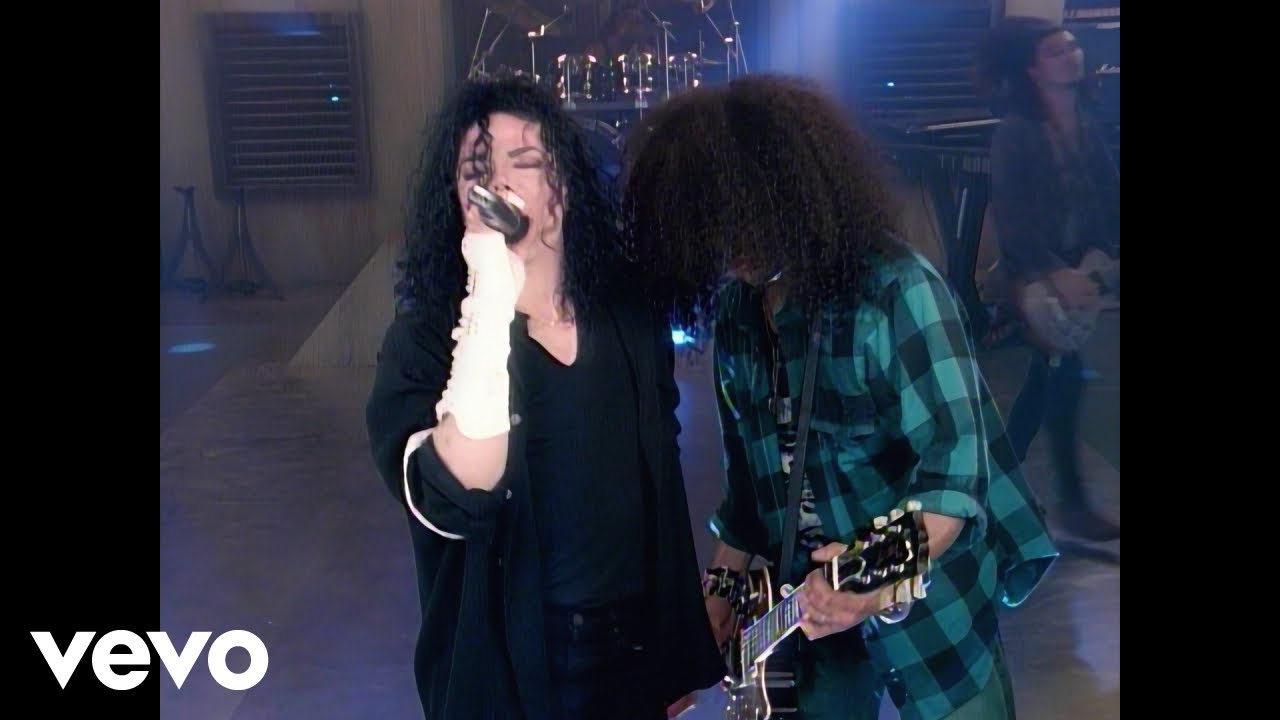
“Give In To Me” by Michael Jackson
Listen to Michael Jackson: https://MichaelJackson.lnk.to/_listenYD"
Filmed during rehearsals for the Dangerous World Tour, the “Give In To Me” short film features Michael Jackson joined on stage by Slash of Guns N’ Roses, who plays guitar on this hard-driving single.
Follow Michael Jackson:
Facebook: https://MichaelJackson.lnk.to/_followYS/facebook
Twitter: https://MichaelJackson.lnk.to/_followYS/twitter
Instagram: https://MichaelJackson.lnk.to/_followYS/instagram
Website: https://MichaelJackson.lnk.to/...._followYS/websitegen
Spotify: https://MichaelJackson.lnk.to/_followYS/spotify
Chorus:
Love is a feeling
Give it when I want it
'Cause I'm on fire
Quench my desire
Give it when I want it
Talk to me woman
Give in to me
Give in to me
#MichaelJackson #Dangerous #GiveInToMe
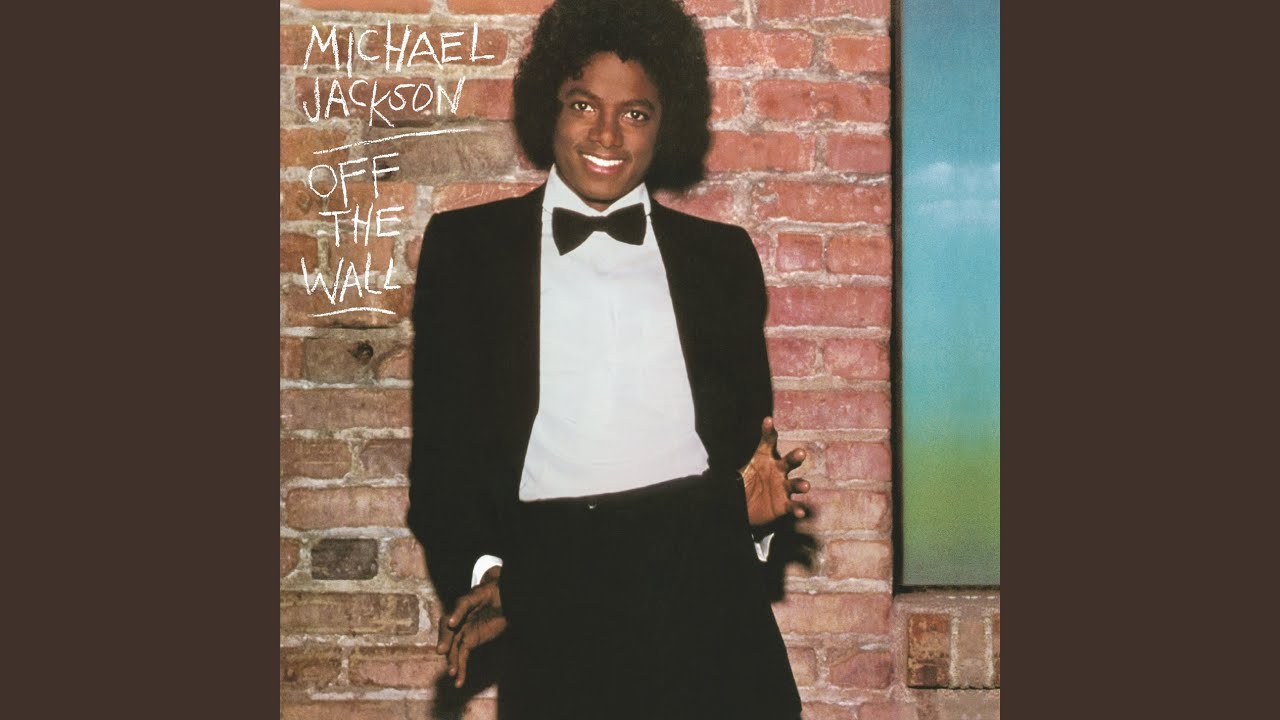

Michael Jackson - Live In Bucharest (The Dangerous Tour)
Listen to more Michael Jackson: https://MichaelJackson.lnk.to/Stream
Watch Michael Jackson's first leg on his Dangerous World Tour (October 1, 1992) at the Bucharest National Stadium, with a sold-out attendance of 90,000.
Follow the Official Michael Jackson Accounts:
Facebook - http://smarturl.it/mj_facebook?IQid=y...
Twitter - http://smarturl.it/mj_twitter?IQid=yt...
Spotify - http://smarturl.it/mj_spotify?IQid=yt...
Newsletter - http://smarturl.it/mj_newsletter?IQid...
YouTube - http://smarturl.it/mj_youtube?IQid=yt...
Website - http://smarturl.it/mj_website?IQid=yt...
#MichaelJackson #MJ #Bucharest #DangerousTour

Follow me here 🔽
🎵 Facebook Page
https://www.facebook.com/The-Greatest...
Artist: Michael Jackson
Album: Thriller
Released: 1982
Genre: Pop
Awards: MTV Video Music Award for Best Dance Video, and more.
Michael Jackson's Thriller was launched to great anticipation and played regularly on MTV. It doubled sales of Thriller, helping it become the best-selling album in history, and sold over a million copies on VHS, becoming the best-selling videotape at the time.
#thriller
#thegreatestsongs
#michaeljackson
#jackson5
#lyricvideo
#90smusichits
#hitsongs
#lyrics
Enjoy listening everyone!
Michael Jackson - Thriller (Lyrics)
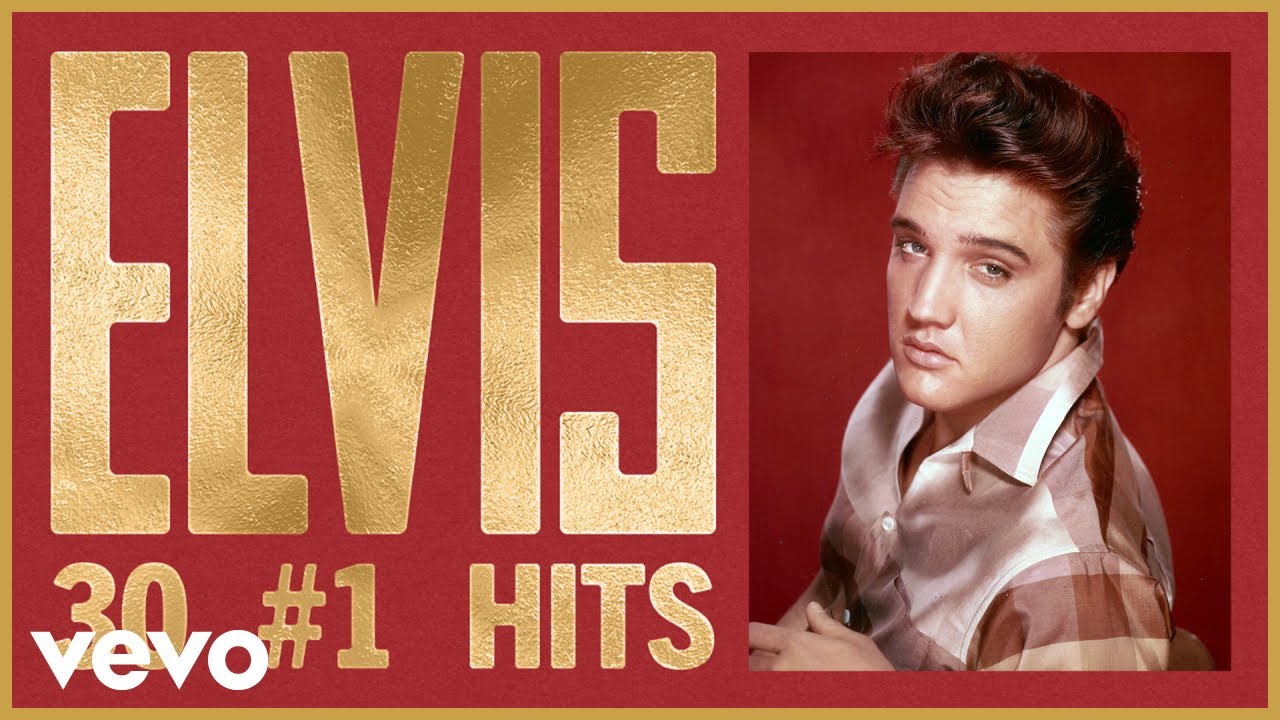
"Can't Help Falling In Love" by Elvis Presley
Listen to Elvis Presley: https://Elvis.lnk.to/_listenYD
Subscribe to the official Elvis Presley YouTube Channel: https://Elvis.lnk.to/subscribeYD
Watch more Elvis videos: https://Elvis.lnk.to/top_tracksYC/youtube
Follow Elvis Presley:
Facebook: https://Elvis.lnk.to/_followFI
Twitter: https://Elvis.lnk.to/_followTI
Instagram: https://Elvis.lnk.to/_followII
Website: https://Elvis.lnk.to/_followWI
YouTube: https://Elvis.lnk.to/subscribeYD
Spotify: https://Elvis.lnk.to/_followSI
Lyrics:
Like a river flows
Surely to the sea
Darling, so it goes
Some things are meant to be
#ElvisPresley #CantHelpFallingInLove #OfficialAudio
