- Film & Animation
- Music
- Pets & Animals
- Sports
- Travel & Events
- Gaming
- People & Blogs
- Comedy
- Entertainment
- News & Politics
- How-to & Style
- Non-profits & Activism
- Religion & Spiritual
- Health Natural Remedies
- Gardening +
- Arts & Crafts
- Action
- Hair & Beauty
- Hunting & Survival
- Shopping & Reviews
- Motivational & Self Help
- Jesus
- Marriage
- Live TV
- Programing & Coding
- Latest & Gadgets
- Make You Own
- Unexplained & Stange
- Jesus Christ
- Food & More
- Other
Top videos



Create an Access Web App in Microsoft Access: Step-by-Step Tutorial
Welcome to this step-by-step tutorial on how to create an Access web app in Microsoft Access. In this video, we'll show you how to create a powerful web application using Access. We'll guide you through each step of the process and highlight key takeaways along the way.
Our tutorial covers everything you need to know to create an Access web app, including creating a new web app, designing and customizing your app, adding tables and fields, creating relationships between tables, and publishing your app to the web. We'll also share some key highlights and interesting facts about Access web apps along the way.
If you found this tutorial helpful, please give it a thumbs up and consider subscribing to our channel for more great videos like this one. Also, be sure to share this video with anyone you know who might be interested in creating Access web apps.
-------------------------------------------------------------------------------------------------------
Social Media Links: Follow us on
-------------------------------------------------------------------------------------------------------
Official Website: https://www.itsolzone.com/
Facebook: https://www.facebook.com/itsolzone/
Instagram: https://www.instagram.com/itsolzone/
Tiktok: https://www.tiktok.com/@itsolzone
Snack Video: https://sck.io/u/Vn7z7d55
-------------------------------------------------------------------------------------------------------
for more tips and tutorials on using Microsoft Access and other productivity tools.
#AccessWebApp #MicrosoftAccess #WebApplication #Tutorial #StepByStep #CreateApp #CustomizeApp #Tables #Fields #Relationships #Publish #Design #Database
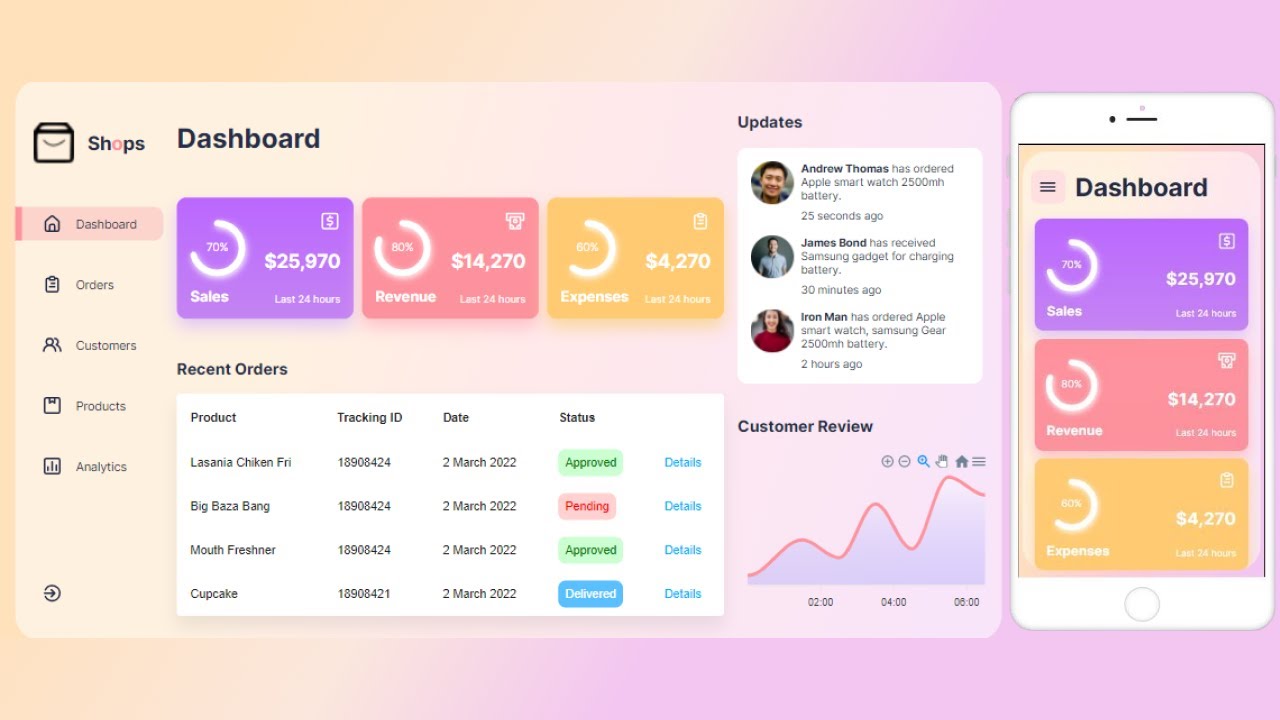
In this tutorial, you will learn how to make beautiful and responsive admin dashboard in Reactjs. We will use React hooks, apexcharts, motion-framer, modern css and many more from scratch during the development of this admin panel.
Repositories:
Starter: https://github.com/ZainRk/Dashboard-starter
Source Code: https://github.com/ZainRk/Reac....t-Admin-Dashboard-pu
"Copyright Disclaimer under Section 107 of the copyright act 1976, allowance is made for fair use for purposes such as criticism, comment, news reporting, scholarship, and research. Fair use is a use permitted by copyright statute that might otherwise be infringing. Non-profit, educational or personal use tips the balance in favour of fair use."
INSTAGRAM : @zainkeepsocde
https://www.instagram.com/zainkeepscode/
TWITTER : @TalhaNk2
https://mobile.twitter.com/talhank2





How to Create an eCommerce Website with WordPress FREE – ONLINE STORE – 2024 NEW!! Using Best Free eCommerce WooCommerce Theme Woostify, Best Free Page Builder Elementor and Best Free Plugins. Free Professional, Awesome and Beautiful eCommerce Website Tutorial.
★ -- Important Links -- ★
* Hostinger -- https://bloggdude.com/hostinger
* Woostify Theme -- https://bloggdude.com/woostify
* Elementor -- https://bloggdude.com/elementor
* Images & CSS Codes Download -- https://bloggdude.com/how-to-c....reate-a-free-ecommer
--------------------------------------
☑ Watched the video!
☐ Liked?
☐ Subscribed?
--------------------------------------
☑ Instagram -- https://www.instagram.com/nayyar_shaikh/
☑ Twitter -- https://twitter.com/NayyarWP
☑ Facebook -- https://www.facebook.com/bloggdude
--------------------------------------
00:00 Introduction & Demo Website Tour
16:12 Best & Fastest Hosting
24:53 Installing WordPress & SSL
30:25 Basic WordPress Settings
36:22 Link GoDaddy Domain with Hostinger
38:50 Installing Theme & Plugins
44:52 TI Wishlist Setup
45:43 WooCommerce Setup
48:33 Tax GST Setup
50:53 Product Shipping Settings
58:13 Payment Gateway Setup
01:05:47 Creating Simple Product
01:12:42 Variable Products
01:19:51 Creating Home Page
01:35:24 Designing Banners with Canva
01:52:03 Homepage Info Icon Section
01:58:59 Homepage Categories Banner Section
02:07:24 Featured Products Section
02:10:40 Using Premade Blocks for Website
02:14:08 Make Website Mobile Friendly
02:22:36 Creating Blog Posts
02:24:44 Blog, Contact & Track Order Pages
02:29:27 Creating Menus & Footers
02:41:14 Shop & Blog Sidebars
02:43:03 Final Design Customization
02:49:16 Product Purchase & Order Management
02:53:40 Covert this eCommerce Website into an Android App
Note: Some of the above links are Affiliate Links, Which Means I earn Some Commission through that Which helps me Keep Making these Free Videos for You.
#wordpress


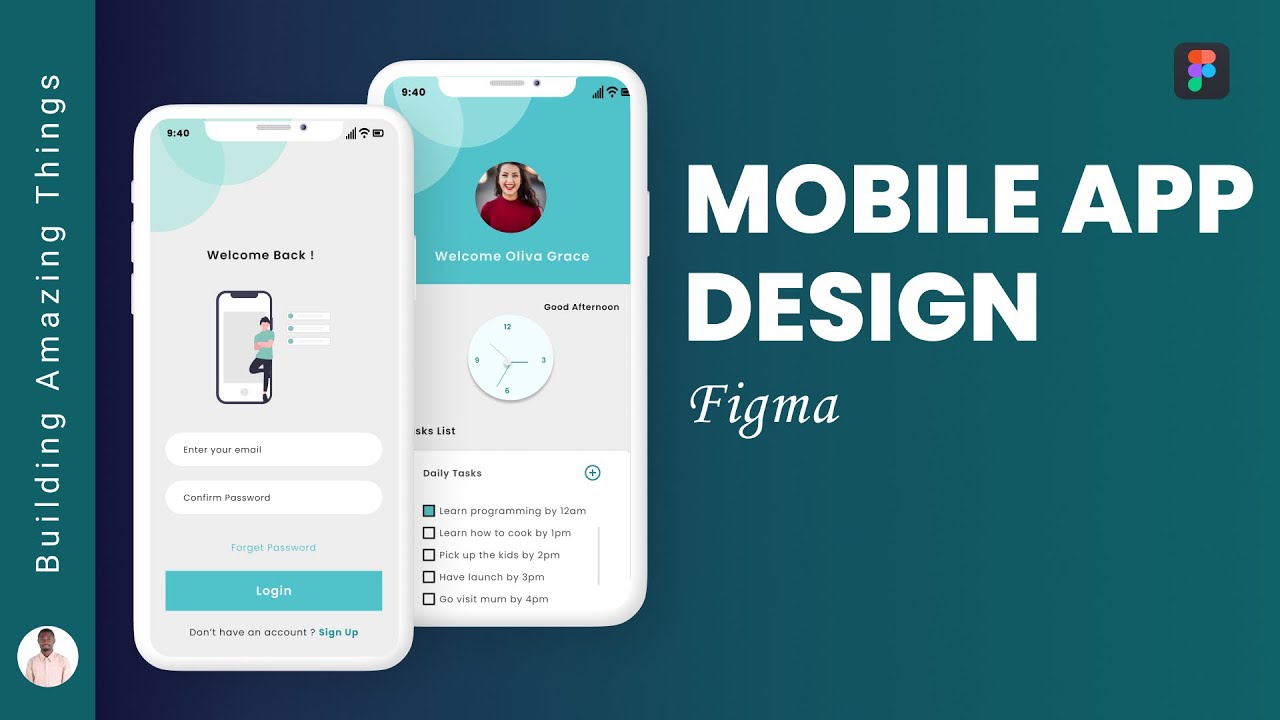
In this Figma Mobile App Design Tutorial, you are going to learn how to design a Modern Mobile App in Figma. Figma is a free UI Design tool used creating Mobile App UI and UX.
Get Figma
👉 https://hyginusukeh.com/figma
—————————————————————-
If you’ll love 💕 to support me, purchase a thanks on the video. This will help me to create more contents on YouTube. Thanks 😊
—————————————————————-
Let me know what you think about this video and should in case you have any challenges, let me know in the comment section.
Here is the link to the project: https://www.figma.com/file/Kly....Fg8JCzleasWCKRmaUql/
Remember to like, share, comment and subscribe. Also, hit on the notification bell to get notified when I upload a new video.
Subscribe to my channel my licking this link: https://www.youtube.com/channe....l/UCbVPTU8fv7e0EjGeQ
You can also reach me on :
Website: http://www.hyginusukeh.com
Facebook: https://web.facebook.com/hyginusukeh2
Twitter: https://twitter.com/hyginusukeh
Instagram: https://www.instagram.com/hyginusukeh
Youtube: https://www.youtube.com/channe....l/UCbVPTU8fv7e0EjGeQ
-~-~~-~~~-~~-~-
Please watch: "Figma Web Design Tutorial with Animation"
https://www.youtube.com/watch?v=eCJLCoPmEIk
-~-~~-~~~-~~-~-
🔥1000+ Free Courses With Free Certificates: https://www.mygreatlearning.com/academy?ambassador_code=GLYT_DES__TY9OjROg9U&utm_source=GLYT&utm_campaign=GLYT_DES__TY9OjROg9U
Great Learning's Mobile app development in Python brings you plenty of exciting ways to build your first App. Don't wait to learn to build an app with Python. According to Stack Overflow, Python is the fastest-growing programming language globally, and it will continue to grow even faster. It's already well-known as a programming language that's ubiquitous, adaptable, reliable, and simple to learn.
Learn more about Kivy, an open-source Python framework used to develop mobile and multitouch software applications. Kivy has an interesting GUI framework and a natural user interface and is free to use, and it is widely used to develop mobile applications on iOS and Android.
Great Learning brings you this tutorial on Build Your First Mobile App in Python. This video starts with an introduction to Kivy, followed by a Kivy installation on Pycharm.
This tutorial answers your questions about how to build an app using Python? And ravels through these concepts of introduction to Kivy, Installation of Kivy, and Adding labels to App with a demonstration on the side for a better understanding of the tutorial. Learning app development using Python is no more a tedious task.
Learn AI & ML from the University of Texas, Austin. To build a successful career enroll now! https://www.mygreatlearning.com/pg-program-artificial-intelligence-course?utm_source=CPV_YT&utm_medium=Desc&utm_campaign=Buildmobapp_2022
Boost your resume with a Generative AI for Business certificate from Microsoft. Enroll now! https://www.mygreatlearning.com/gen-ai-microsoft-azure-open-ai-online?utm_source=CPV_YT&utm_medium=Desc&utm_campaign=Buildmobapp_2022
🏁 Topics Covered:
00:00 Let's Begin!
01:30 Introduction to Kivy
02:15 Installation of Kivy
02:56 Adding labels to App
07:28 Adding textboxes to App
22:15 Adding buttons to App
🔥Check Our Free Courses on with free certificate:
✔ Python Fundamentals for Beginners course: https://glacad.me/3Ffgkp9
✔ Android Application Development: https://www.mygreatlearning.com/academy/learn-for-free/courses/android-application-development?ambassador_code=GLYT_DES_Middle_SEP22&utm_source=GLYT&utm_campaign=GLYT_DES_Middle_SEP41
✔ Introduction to Android Studio: https://www.mygreatlearning.com/academy/learn-for-free/courses/introduction-to-android-studio?ambassador_code=GLYT_DES_Middle_SEP22&utm_source=GLYT&utm_campaign=GLYT_DES_Middle_SEP42
⚡ About Great Learning Academy:
Visit Great Learning Academy to get access to 1000+ free courses with free certificate on Data Science, Data Analytics, Digital Marketing, Artificial Intelligence, Big Data, Cloud, Management, Cybersecurity, Software Development, and many more. These are supplemented with free projects, assignments, datasets, quizzes. You can earn a certificate of completion at the end of the course for free. https://www.mygreatlearning.com/acade
⚡ About Great Learning:
With more than 5.4 Million+ learners in 170+ countries, Great Learning, a part of the BYJU'S group, is a leading global edtech company for professional and higher education offering industry-relevant programs in the blended, classroom, and purely online modes across technology, data and business domains. These programs are developed in collaboration with the top institutions like Stanford Executive Education, MIT Professional Education, The University of Texas at Austin, NUS, IIT Madras, IIT Bombay & more.
SOCIAL MEDIA LINKS:
🔹 For more interesting tutorials, don't forget to subscribe to our channel: https://glacad.me/YTsubscribe
🔹 For more updates on courses and tips follow us on:
✅ Telegram: https://t.me/GreatLearningAcademy
✅ Facebook: https://www.facebook.com/GreatLearningOfficial/
✅ LinkedIn: https://www.linkedin.com/schoo....l/great-learning/myc
✅ Follow our Blog: https://glacad.me/GL_Blog
